10. Full List of Informative Screen
Display Symbols, Operating Messages,
Error Messages and Troubleshooting
The troubleshooting section is provided in order to enable the user to solve
minor malfunctions, prior to contracting our service department.
However, only technical personnel having proper qualifications and holding
technical documentation (including a technician manual) and adequate
information are authorized to serve the apparatus (See tables below).
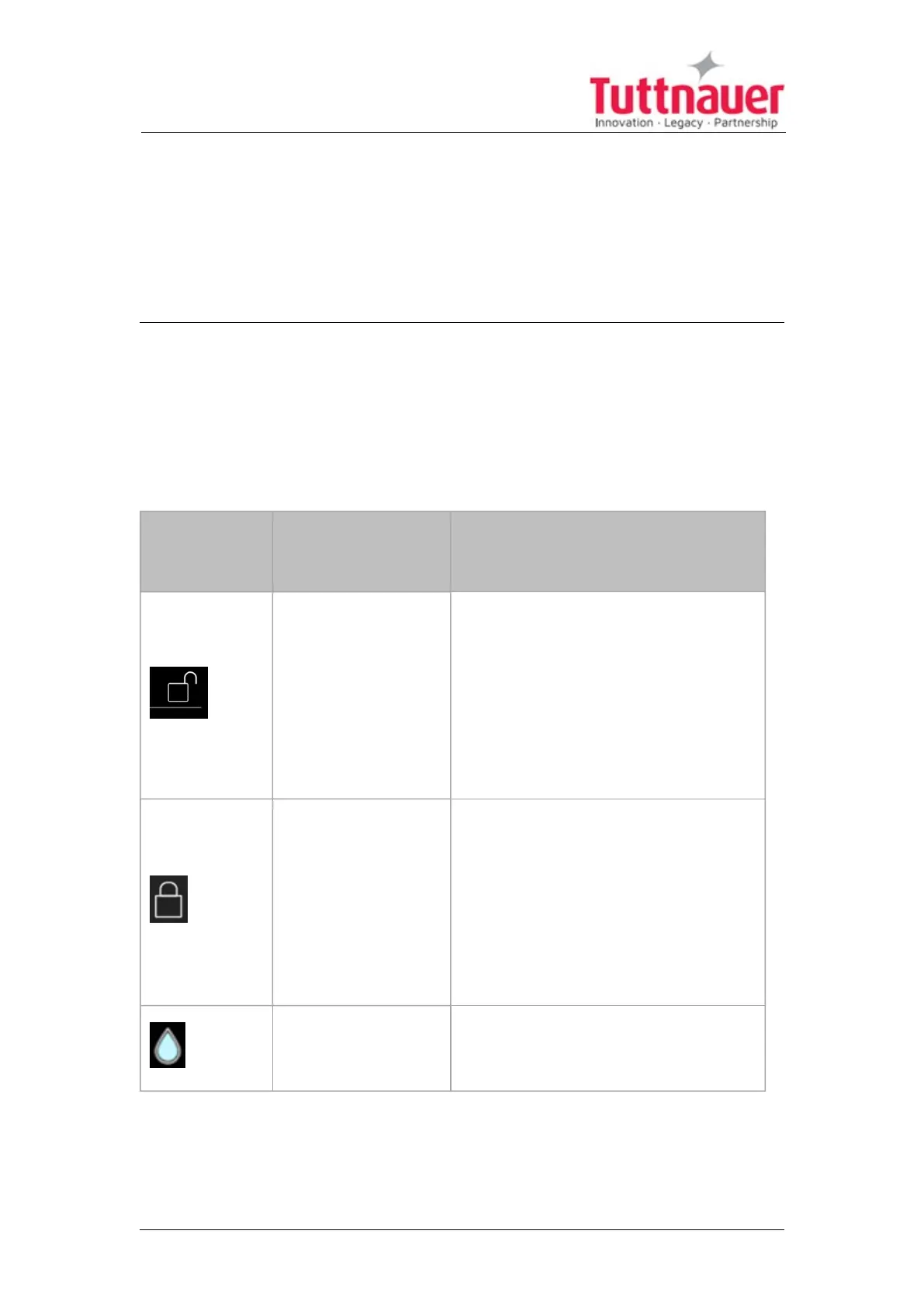
10.1 Symbols
Symbol /
Message
Symbol / Message
Description
Required
Action (if
applicable)
This symbol is
displayed when the
door is open.
Note: The inherent
safety feature of the
machine enables the
user to choose a cycle
only when the door is
open.
Informative
symbol ----
This symbol is
displayed when the
door is closed.
Note: The machine
has an inherent safety
feature that prevents
the cycle from starting
if the door is not
closed.
Informative
symbol ----
Full water level
(Clean water tank)
Informative symbol ----
Page 70





 To Next Page