31
OSD Adjustments
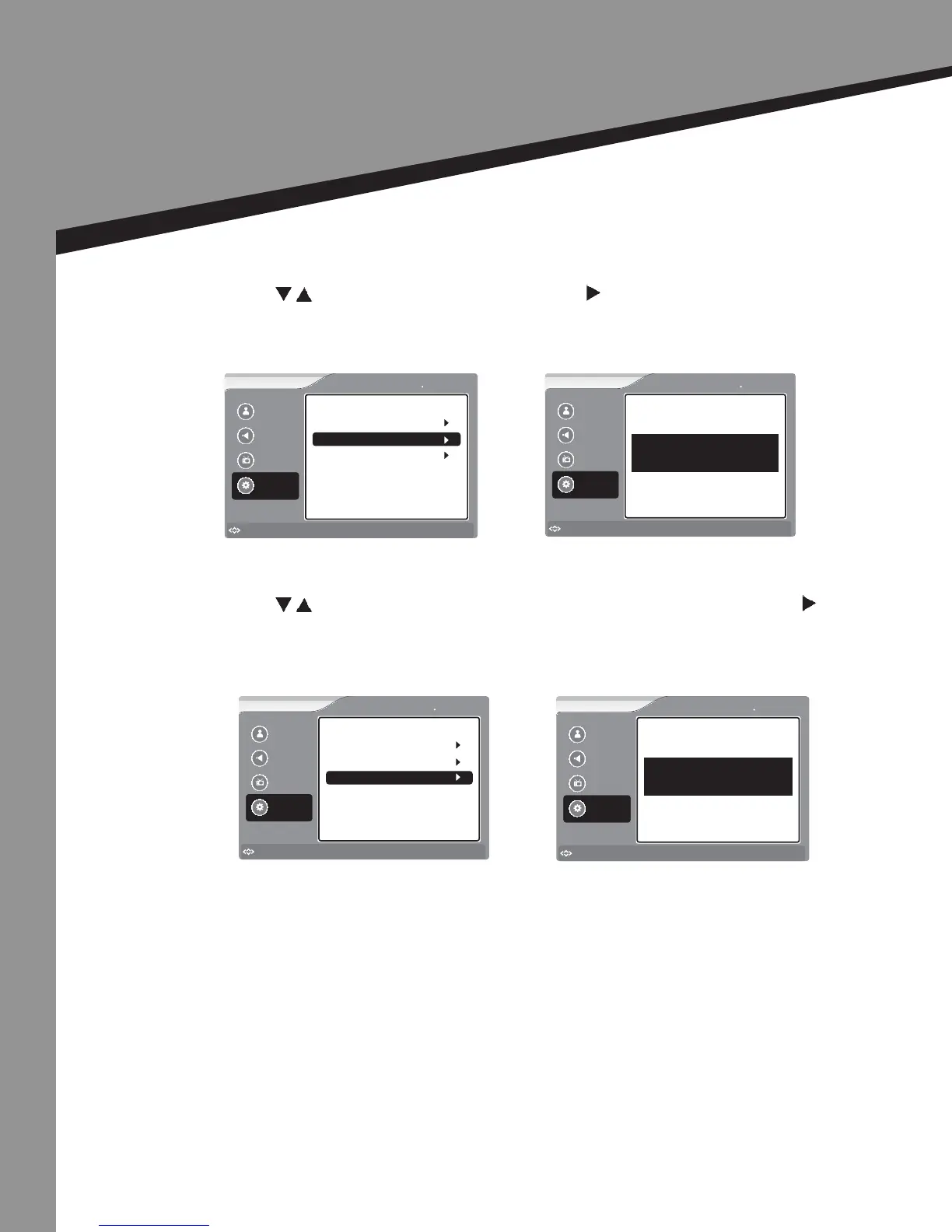
Seng Opons
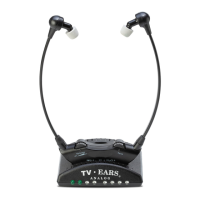
Pair -
• Press to select Pair, then press ENTER or to select.
• Once paired, the headset will deliver the TV sound.
Reconnect -
• Press to select the item you would like to adjust, then press ENTER or to select
that item.
Picture
Sound
Channel
Settings
to Move
to Select
Enter
Menu
to Exit
Settings TV EARS
Password
TV EARS Mode
Reconnect
Pair
Send
Picture
Sound
Channel
Settings
to Move
to Select
Enter
Menu
to Exit
Settings TV EARS
TV Ears Pair ing Press Menu to Exit.. . ..
Picture
Sound
Channel
Settings
to Move
to Select
Enter
Menu
to Exit
Settings TV EARS
Password
TV EARS
Reconnect
Pair
Send
Picture
Sound
Channel
Settings
to Move
to Select
Enter
Menu
to Exit
Settings TV EARS
TV Ears Pairing Press Menu to Exit.. . ..


 To Next Page