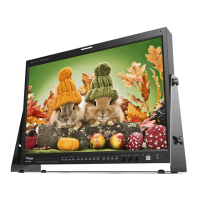
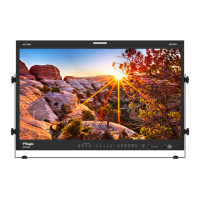
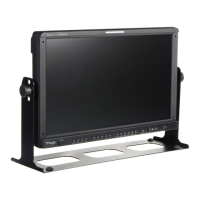
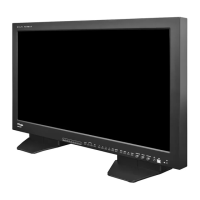
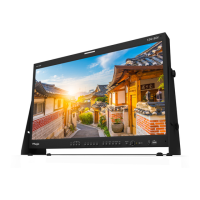
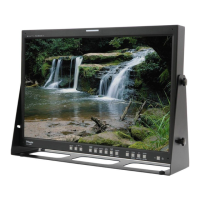
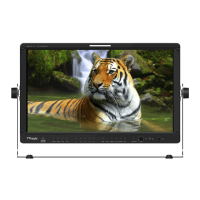
10 FHD OLED Reference Monitor
FRONT
3. Controls & Functions
● [USB]
- This terminal is used to upgrade the rmware.
● [AUDIO OUT]
- Used for Stereo Audio Output through Phone
Jack.
● [CONTRAST] Knob
- Used to adjust the contrast.
● [BRIGHT] Knob
- Used to adjust the degree of brightness.
● [APERTURE] Knob
- Used to adjust the picture sharpness.
● [MENU] button
- Used to activate the OSD menu.
- When the OSD menu is activated, press this
button to exit from the menu.
● [DOWN] Button
- Used to move down through the menus
during the OSD menu activation and also to
increase the value of the selected feature.
● [UP] Button
- Used to move up through the menus during
the OSD menu activation and also to
decrease the value of the selected feature.
● [ENTER] Button
- Used to conrm a chosen value (or mode).
● [POWER] button
- Used to turn the power on and o.
● [STANDBY] lamp
- Used to indicate the power supply status.
The lamp is RED during power supply and
GREEN during system is in operation. In case
of power cut and sudden shut o of the
power, our monitor keep previous setup
stage.


 To Next Page