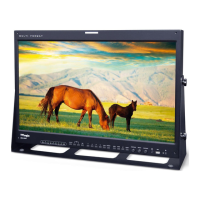
30 FHD OLED Reference Monitor
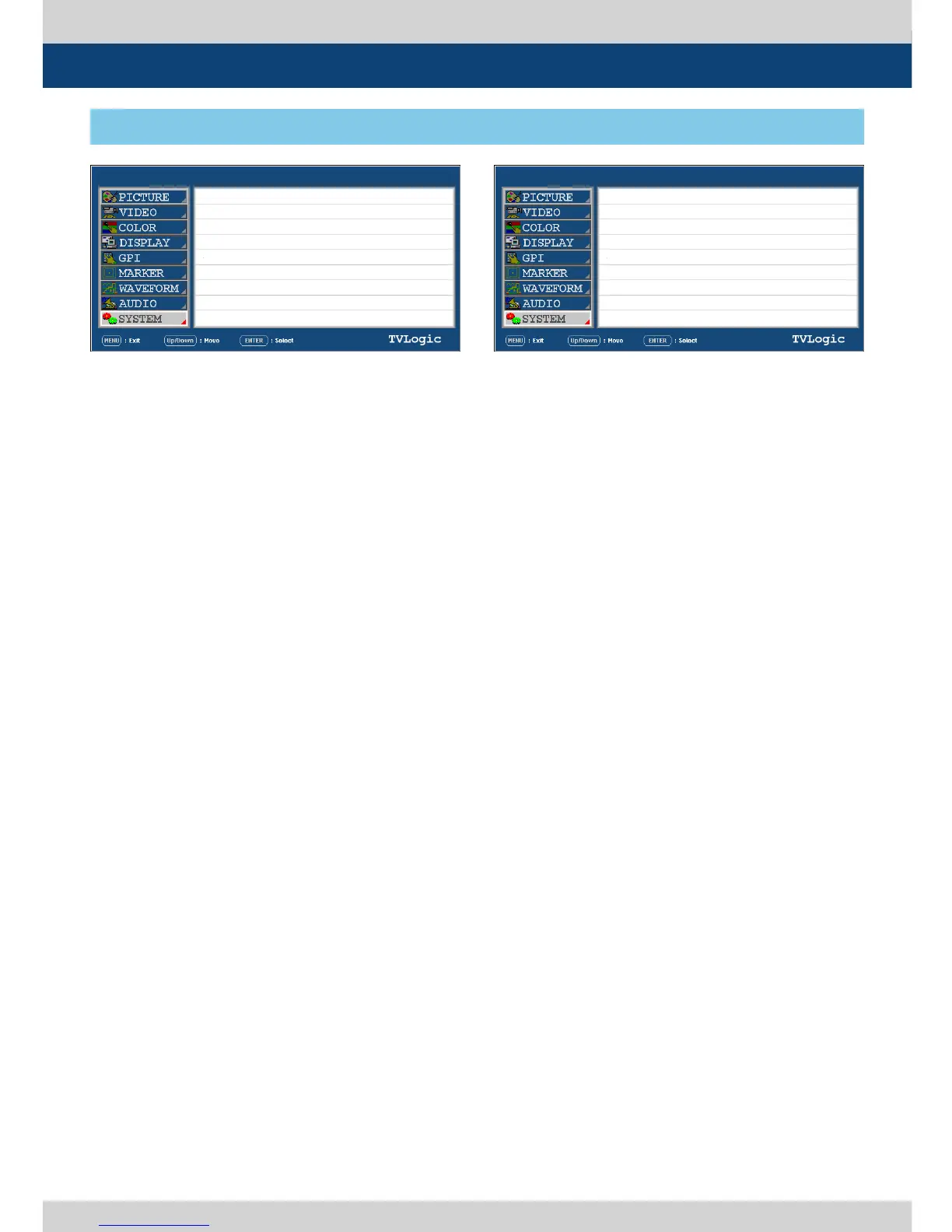
[9] SYSTEM
5. Menu Operations
● DEVICE
-Used to select the device for color calibration.
● COLOR CALIBRATION
- Connect the COLOR PROBE(e.g. K-10) to the
USB port to calibrate the monitor without a
PC.
*
Refer to the section “Firmware Upgrade &
Color Calibration” for more information.
● TARGET LUMINANCE
- Used to set the luminance.
● K-10 CHANNEL
- Used to select the channel of COLOR
PROBE(K-10)
● COLORSPACE
- Used to select the color space which will be
calibrated.
● CALIBRATION START
- Used to start the calibration.
- Set the Color Calibration as [On]. The Color
calibration start menu will activate after
the USB connection is completed.
● MEASUREMENT START
- Used to start the measurement.
- Set the Color Calibration as [On]. The Color
calibration start menu will activate after
the probe connection is completed.
● COPY DATA
- Used to copy the les related to the
calibration.
● CAL. LOG COPY START
- Used to save the CALIBRATION LOG le on a
USB drive.
*
Set the COPY DATA as [On]. Activates only
when the USB drive(Thumb drive) is
connected.
● S/W UPGRADE
- Used to upgrade the rmware using the USB
(Thumb drive).
*
See section “Firmware Upgrade & Color
Calibration” for more information.
● S/W UPGRADE START
- Used to start S/W upgrade. If the USB drive
is detected, the rmware upgrade becomes
activated.
PAGE III >> PAGE IV
DEVICE
COLOR CALIBRATION
TARGET LUMINANCE
K-10 CH A NNEL
COLORSPACE
CALIBRATION START
MEASUREMENT START
Y:000.00 x:0.000 y:0.000
PAGE IV >> PAGE V
COPY DATA
CAL. LOG COPY START
S/W UPGR A DE
S/W UPGRADE START
ON
OFF
80 cd/m2
00:
R E C-709
OFF
OFF
LEM-250A LEM-250ASDI A SDI A


 To Next Page