Installing the ribbon cassette
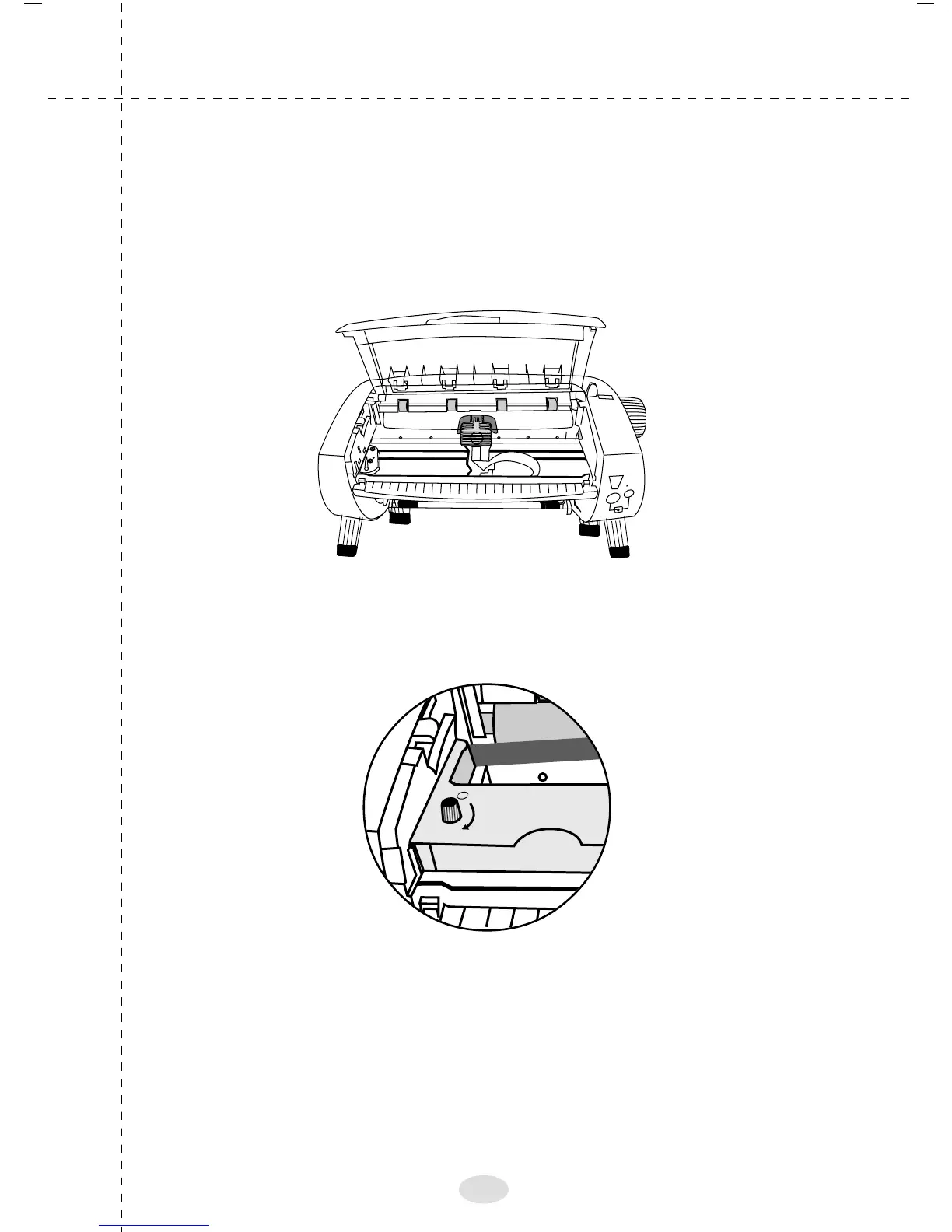
Open the printer cover
Slide the print head to the middle of the printer as shown
below
Turn the ribbon-tightening knob in the direction of the
arrow as shown below.
Insert the ribbon cassette into the printer then press both
sides of the cassette as firmly to fit the plastic hooks in the
printer slots as shown in the picture.
11



 To Next Page