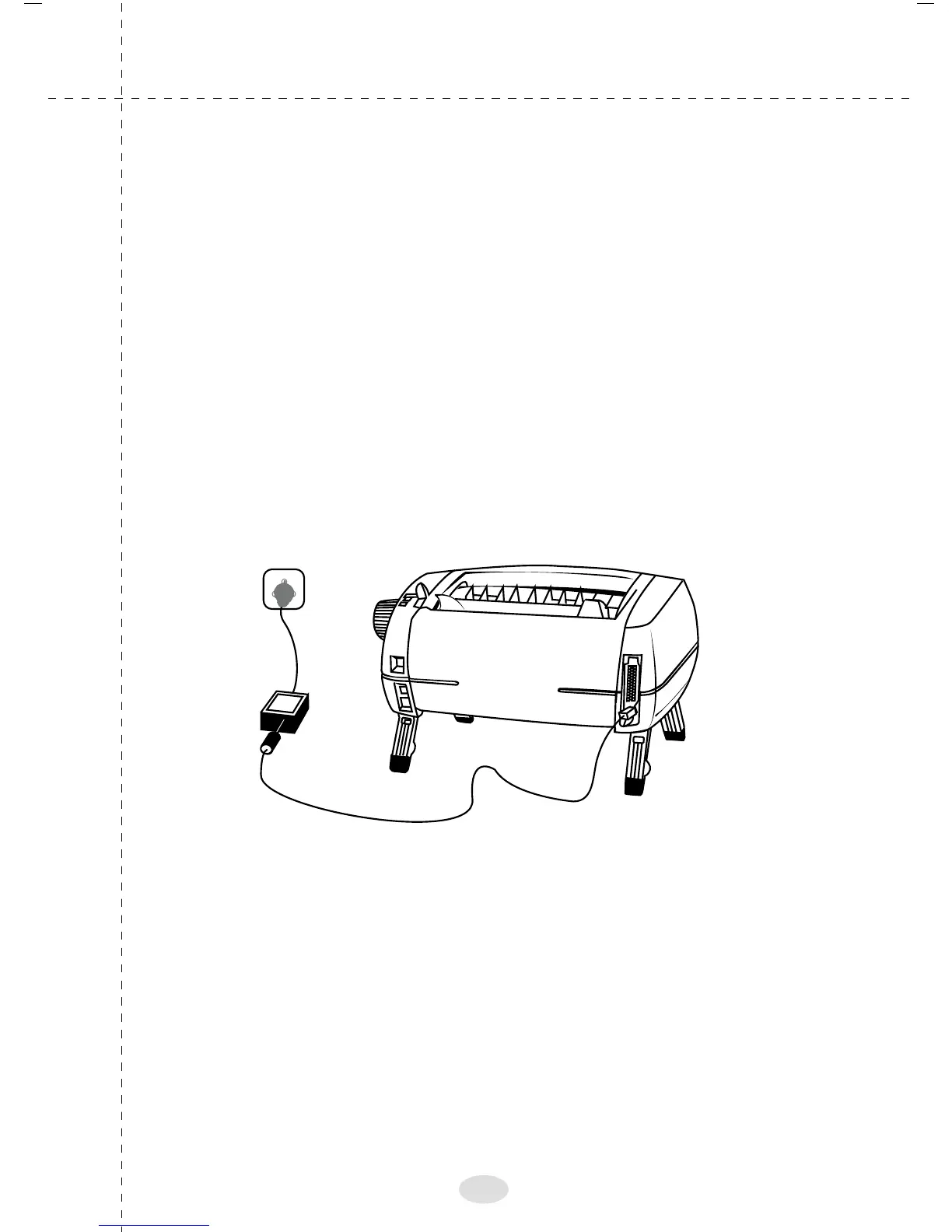
Connecting the printer to power
Power supply unit of TVS Proton is housed externally as a
separate unit.
1. It has to be connected to the main Printer unit, through the
power supply socket positioned at the back, just below
the parallel port.
2. Insert the power supply connector into this socket firmly
and the power plug into the mains power supply.
3. Once the mains supply is switched ON, the printer is
powered on and ready for use.
Note:
Connect the Printer power supply and the PC at the same Earth
Potential (Neutral to Earth voltage of PC and Neutral to Earth
voltage of printer should be the same).
15



 To Next Page