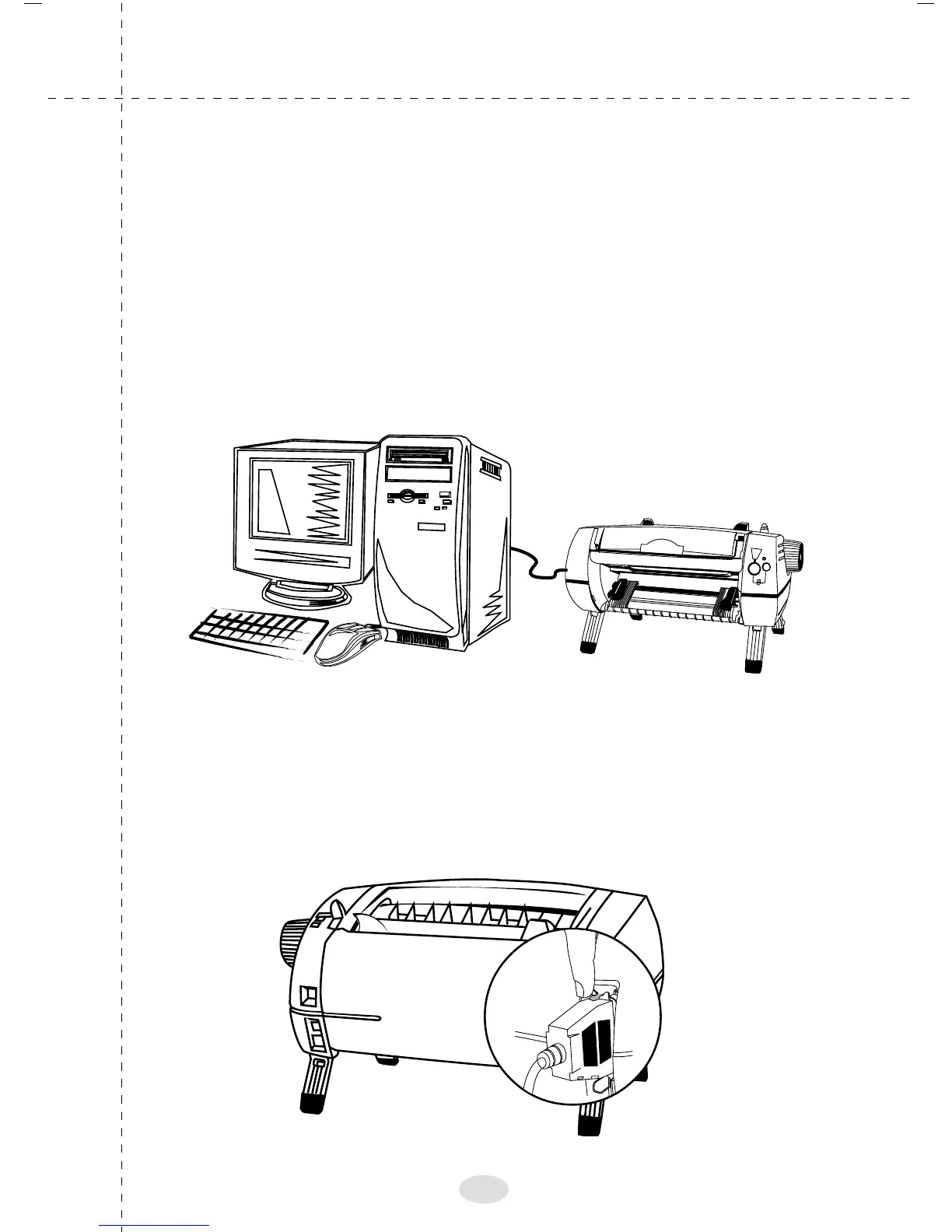
Connecting the printer to your computer
Proton supports a parallel port for interfacing to a computer
and the port is positioned at the back of the printer
Plug one end of the interface cable supplied along
with the printer firmly and evenly into the port socket
and the other end to the port of your computer (host)
Lock the parallel interface using the metal clip on top and
bottom to prevent loose connection or disconnection,
as shown in the picture.
14



 To Next Page