5. OPERATION PANEL
Introduction
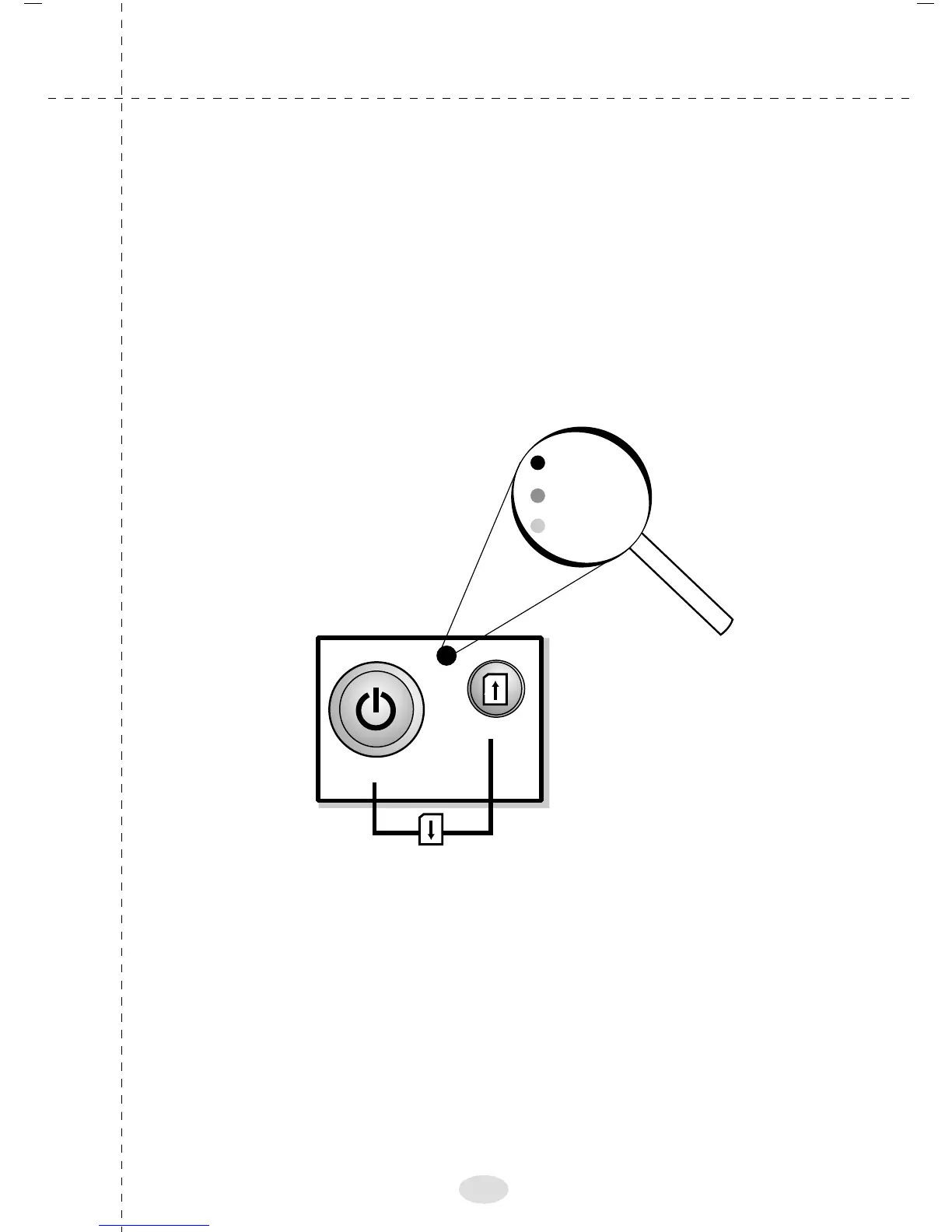
It consists of two buttons. The big one is referred as START/
STOP button and the small button as paper feed. The START/
STOP button is used to bring the printer to online/offline and
OFF mode.Paper feed is used to move the paper.
The LED on the front panel indicates the printer status,
If the LED glows green - the printer is in ONLINE mode.
If the LED glows red - the printer is in OFFLINE mode.
If the LED blinks red - it could indicate, paper not loaded.
START / STOP
PAPER EJECT
ON / OFF
PAPER FEED
Online (Green)
Offline (Red)
Paper out
(Blinking)
32



 To Next Page