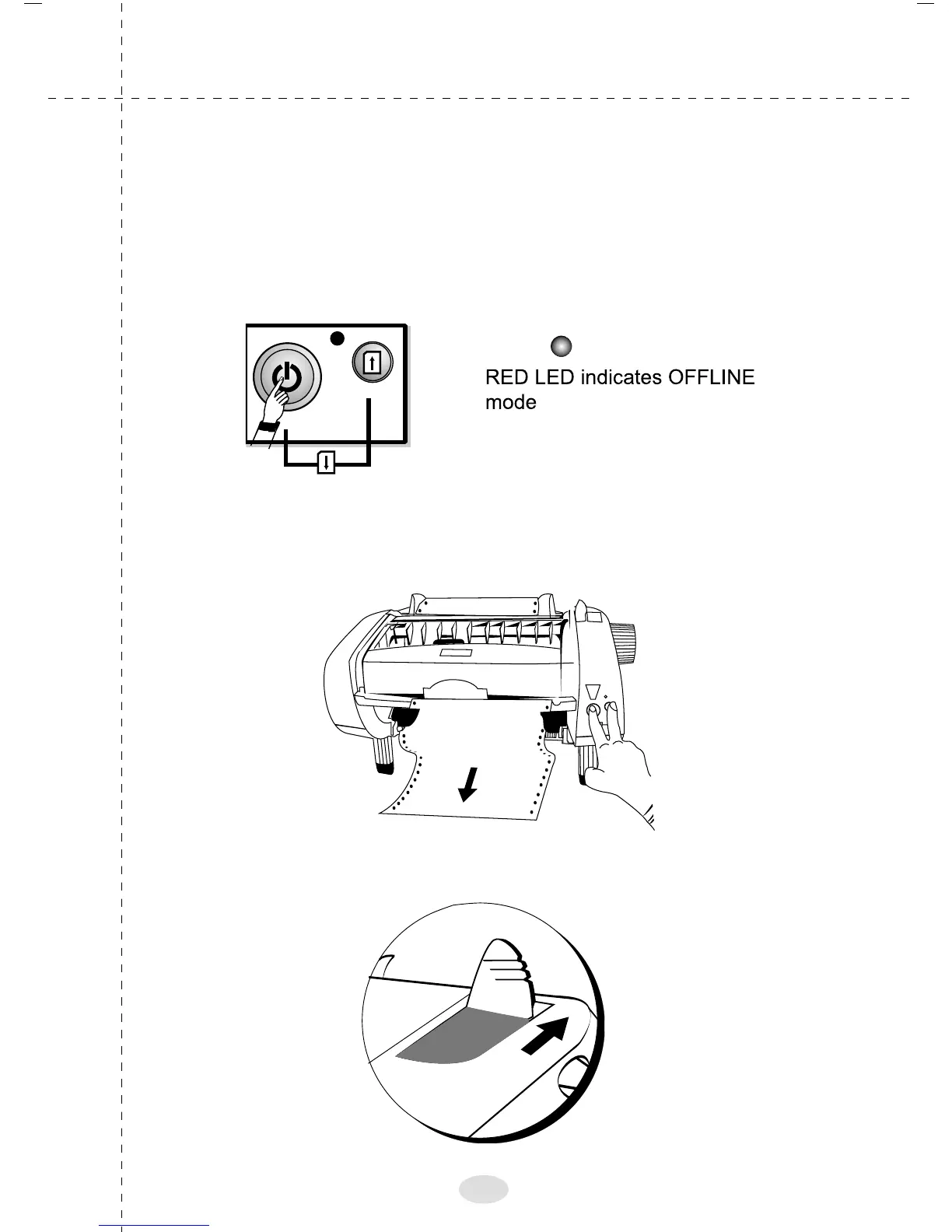
Changing the paper path (Paper Parking)
To switch from continuous to Roll paper/A4 cut sheet
printing follow the steps given below:
Get the printer to offline mode
Press START/STOP & Paper feed switches
simultaneously till the paper comes out of the printer.
Change the lever to the back position
START / STOP
PAPER EJECT
PAPER
FEED
RED
29



 To Next Page