Tyro Go EFTPOS reader user guide 10
Return to table of contents
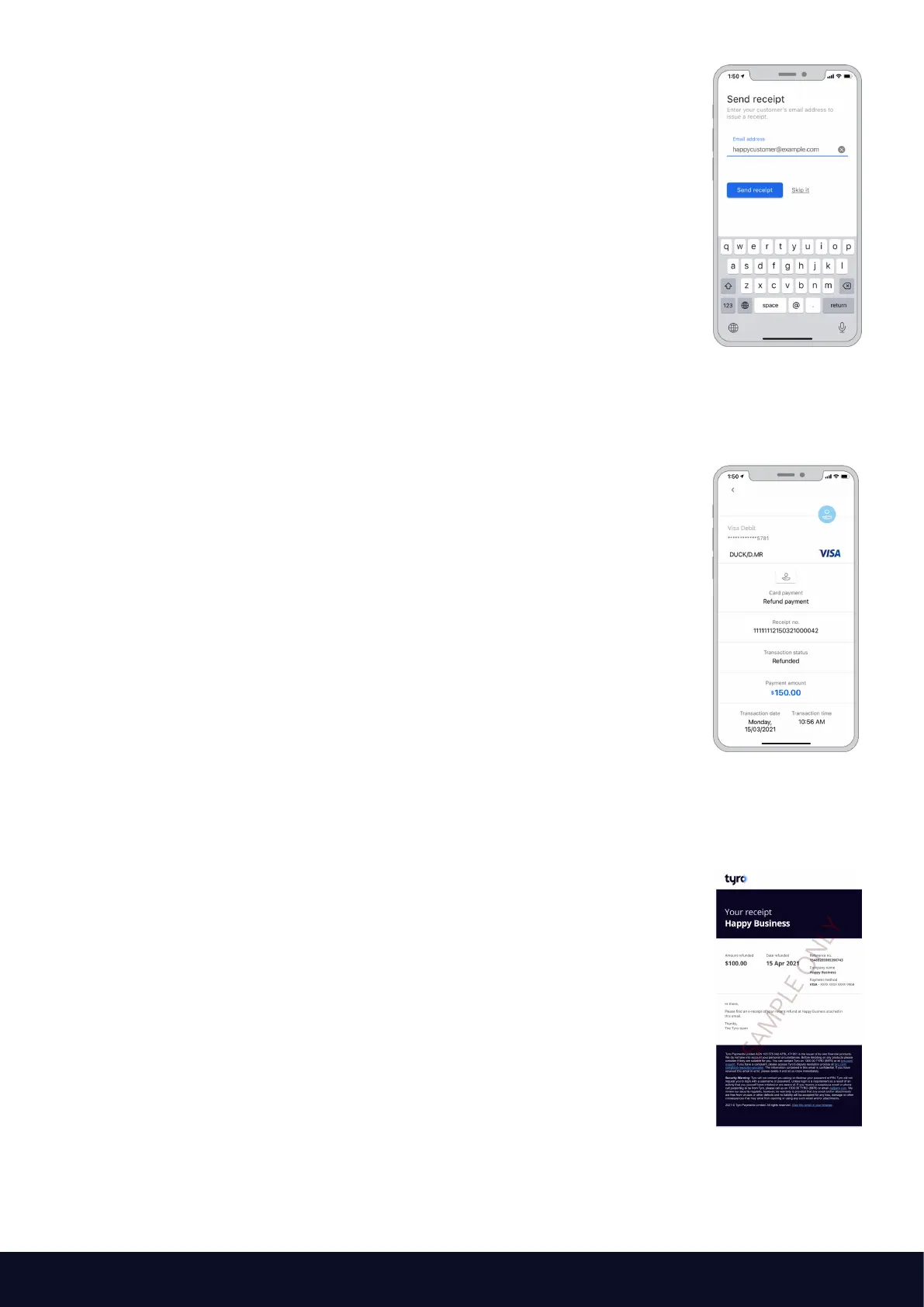
Upon successful completion, the e-receipt page will be presented.
Allow the customer to enter their email address to issue the e-receipt.
Proceed by selecting “Send receipt”.
Alternatively, select “Skip it” if the customer does not wish to
receive an e-receipt.
The refund transaction is complete.
You can now send the refund receipt to the cardholder
if they would like a receipt.
If requested, an email will be sent to the cardholder
with the receipt attached.
The email will have your business name in the header
and the details of the refund.



 To Next Page