Tyro Go EFTPOS reader user guide 11
Return to table of contents
2.9.5 Viewing transaction history
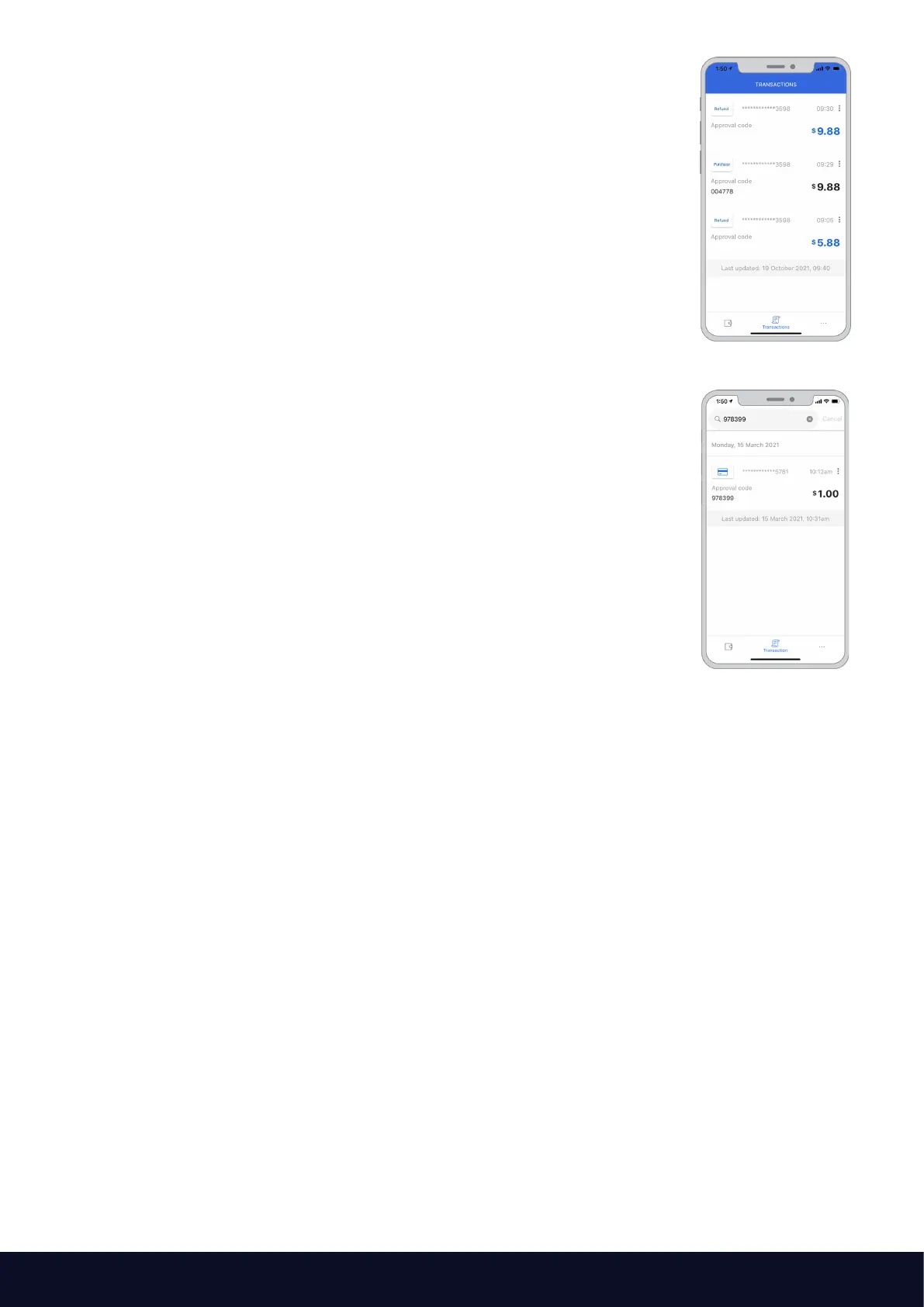
You can view a listing of all your unsettled transactions. To access this listing,
select “Transaction” on the bottom of the main screen.
Here you will be presented with all the unsettled transactions, including
purchases and refunds.
Processed transactions will display the following information:
• Date and time of payment
• Approval code
• Payment amount
You can also search transaction history by approval code, amount, receipt
number, or the last four digits of the card used for the transaction.
Note: only unsettled transactions will be displayed. As settlement occurs
at 5am, “today’s transactions” will include unsettled transactions that have
occurred from 5am. For settled transactions, feel free to use the Tyro Portal
or the Tyro App (described below).



 To Next Page