Tyro Go EFTPOS reader user guide 12
Return to table of contents
3.1 Tyro Portal
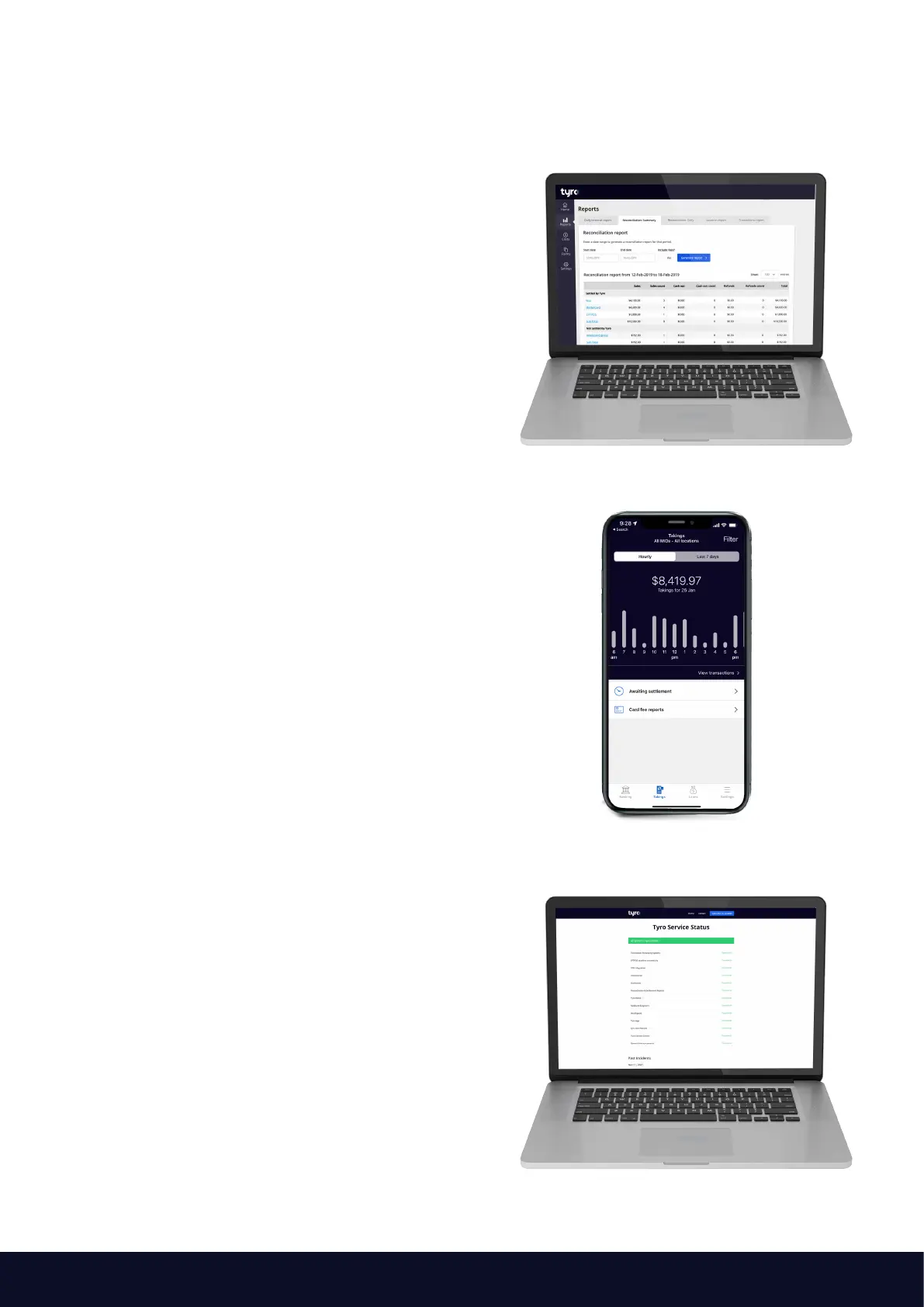
When you log in to the Tyro Portal, you can view
your EFTPOS transactional reports and insights to
help you run your business. Specifically, you will have
access to a deeper dive to determine card details
and verification method, cancelled and declined
transactions, the ability to create a reconciliation report
that details total transaction amounts for each EFTPOS
machine over a specific time period, and much more.
Your credentials for the Tyro Portal are the same as the
Tyro App. If you do not have your credentials - please
contact Customer Support on 1300 00 TYRO (8976).
3.2 Tyro App
The Tyro App enables you can stay on top of business
with real-time EFTPOS data, letting you access hourly
transaction reports for each of your locations, check
Tyro Service Status, and access Tyro Help. If you
haven’t already, download the Tyro App from Google
Play or the App Store.
Your credentials for the Tyro App are the same as the
Tyro Portal. If you do not have your credentials - please
contact Customer Support on
1300 00 TYRO (8976).
3.3 Tyro Service Status
At status.tyro.com, you can see our systems’ real-time
status and opt-in to notifications for systems, including
transaction processing, EFTPOS machine connectivity,
and the Tyro Portal.
3. Other Products available to you



 To Next Page