Tyro Go EFTPOS reader user guide 14
Return to table of contents
5. Frequently asked questions
5.1 How do I check the battery level of my Tyro Go?
You can find the battery level from the reader settings. To view, click the reader icon at the top right
corner of the Tyro Go App.
5.2 How frequent should I charge my Tyro Go?
Tyro Go uses a lithium-polymer battery, and charging frequency depends on your usage. It is advisable
to keep your reader sufficiently charged when taking payments to avoid disruptions. You may experience
disconnection issues when the battery level drops below 20%.
The reader can still be in use while charging.
5.3 Can I perform a transaction while offline?
Offline transactions are not permitted.
The smart device you use for the Tyro Go App must have an internet connection - either a mobile (3G, 4G, or 5G)
or a Wi-Fi connection.
In addition, your Tyro Go must be connected to the smart device via Bluetooth.
5.4 How do I check the connectivity of my Tyro Go to the Tyro Go App?
When your Tyro Go is paired to the Tyro Go App, the reader indicator on the app screen will display in green.
Otherwise, to pair your Tyro Go:
• Enable Bluetooth in the mobile device settings
• On the app, select the “Reader settings” icon on the top of the screen
• Select “Connect to reader” to pair the reader, matching with the serial number displayed at the
back label of the device
• Once paired, the reader indicator on the Tyro Go App screen will display in green
5.5 Why are my login attempts unsuccessful?
• The User ID or User PIN could be incorrect
• There could be an error in the connection
• A user account is suspended or has been inactive. Please contact Customer Support on 1300 00 TYRO
5.6 What if I forgot my user PIN?
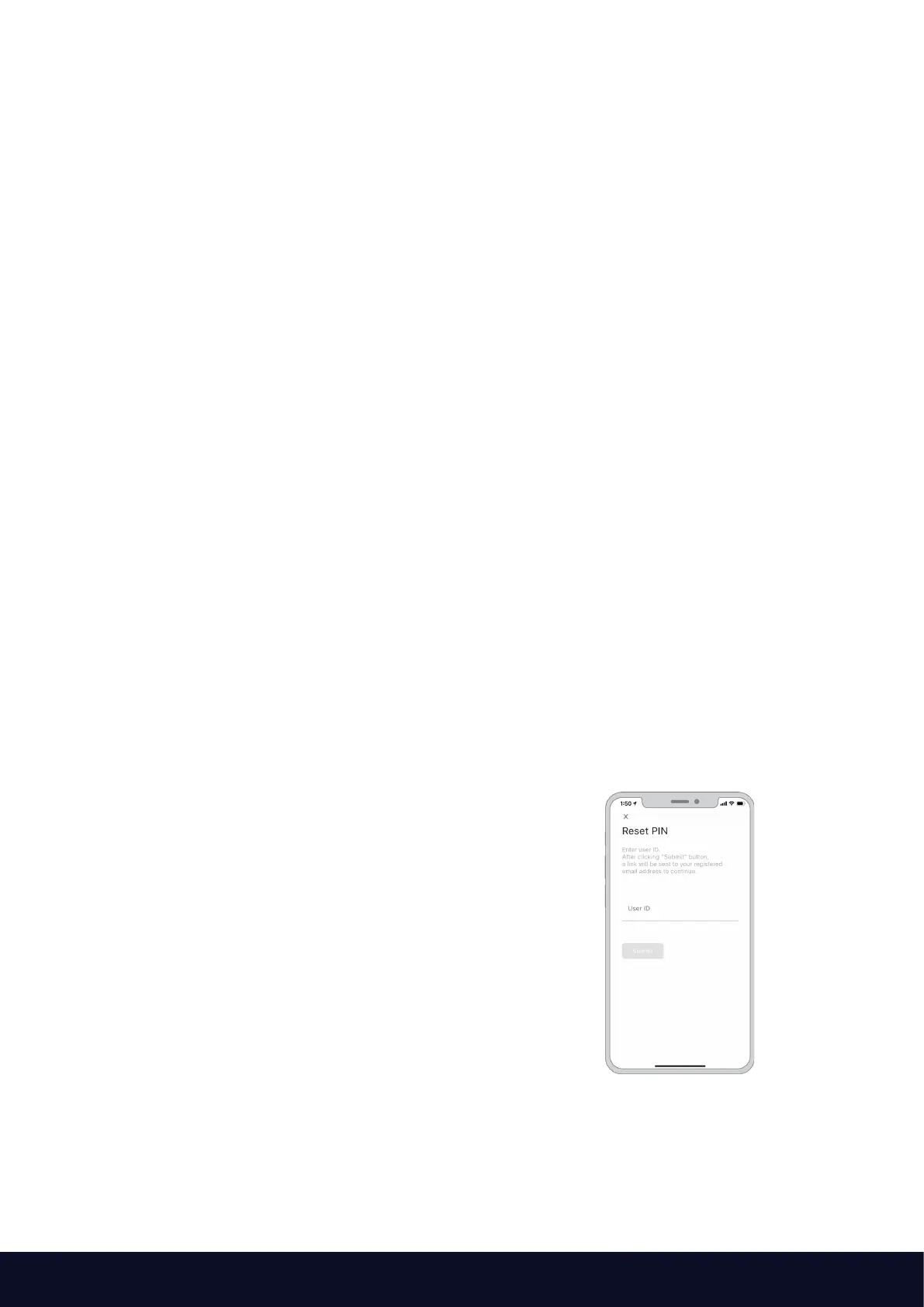
Select “Forgot user PIN” on the login page.
Enter the user ID and email address to receive
instructions to reset your PIN.
5.7 When will card PIN verification be prompted during a transaction?
For contactless transactions, PIN verification will be prompted if the sales amount exceeds $200 AUD.
Any transaction made via chip payments will prompt PIN verification.



 To Next Page