C099-F9P - User Guide
UBX-18055649 - R02 Reference station and rover pairing Page 24 of 48
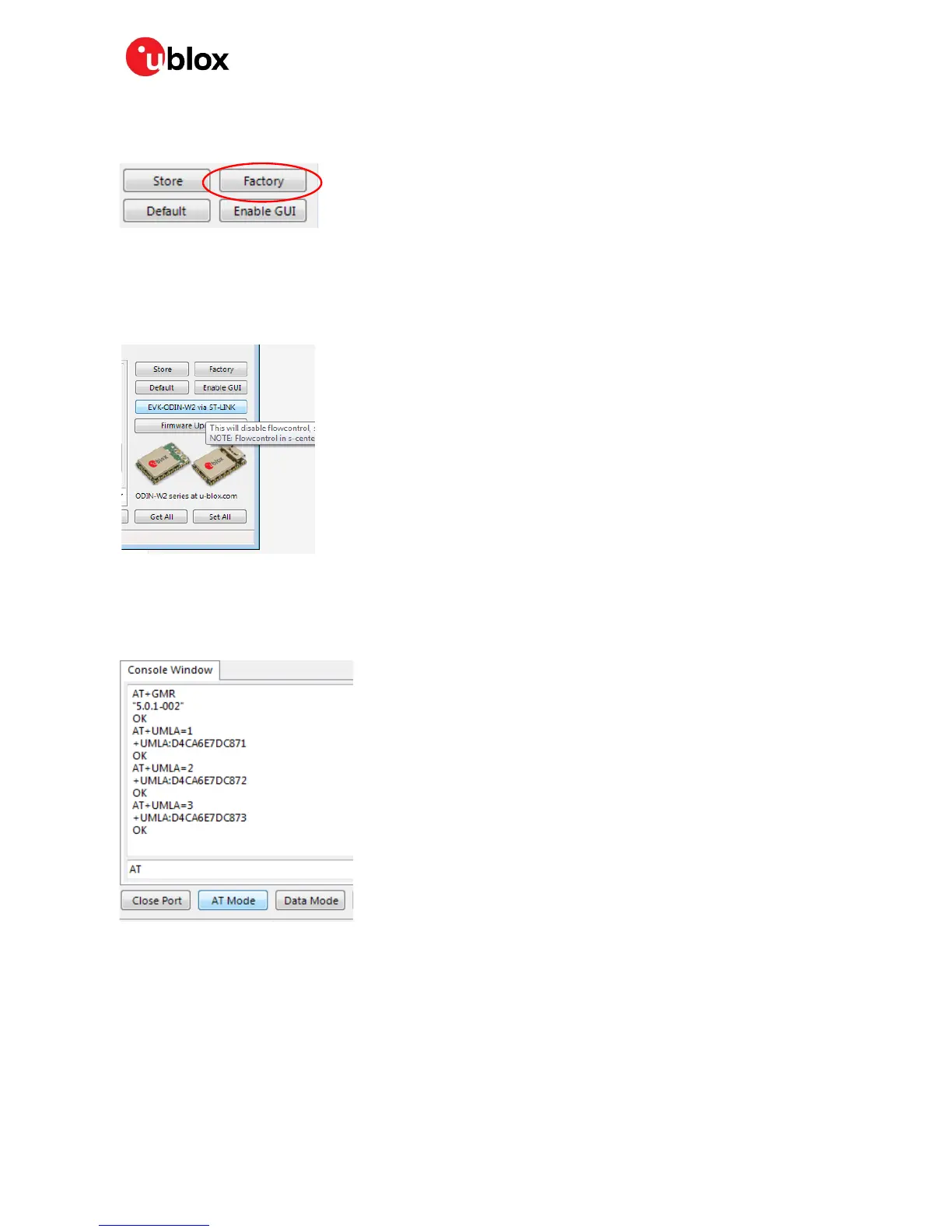
It is important to do a factory reset on the ODIN-W2 before downloading a new configuration file. Click
the Factory button to perform a factory reset.
Figure 31: s-center factory reset button
After factory reset, the device will be set with a baud rate of 115200 baud with hardware flow control
enabled. This needs to be changed to no hardware flow control. First set s-center to 115200 baud and
no flow control. Then open the port. Click “EVK-ODIN-W2 via ST-LINK” button as shown below to
disable flow control.
Figure 32: Resetting ODIN-W2 to no flow control
Click the AT mode button to ensure it is responding correctly. You will see it respond with AT
commands if communication is ok.
Figure 33: Clicking AT Mode button
Download the u-blox configuration file for the rover Wi-Fi link. Use the “Rover ODIN-W2 Access Point
UDP Server.txt” file listed in Appendix C.
Select “File > Download Configuration”.



 To Next Page
 Loading...