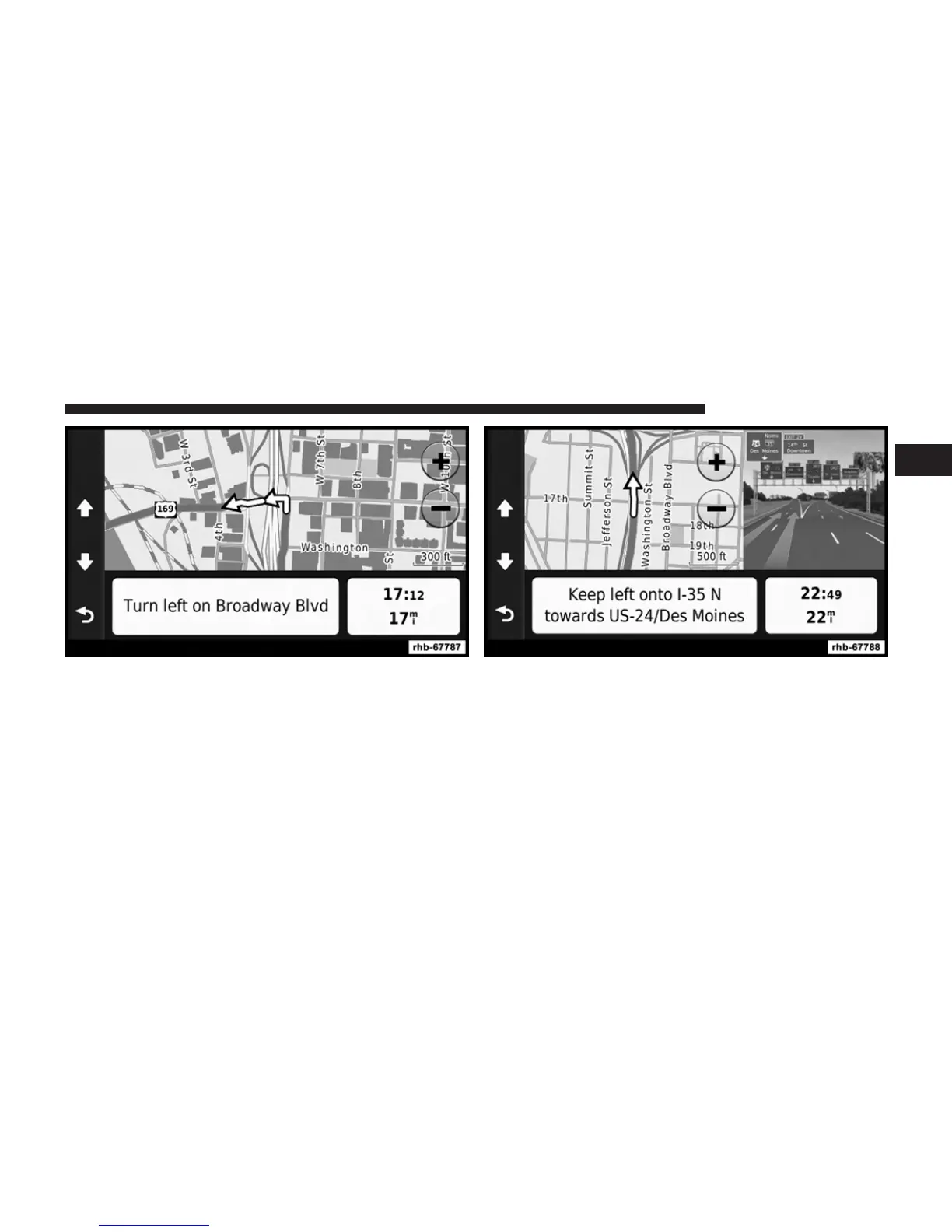
Viewing the Junction View
Before you can view the junction view, you must be
navigating a route.
The junction view displays a view of some upcoming
junctions and in which lane you should be driving.
Using the Tools
Viewing Current Location Information
Use the Where Am I? page to view information about
your current location. This feature is helpful if you need
to tell emergency personnel your location.
• From the main menu, touch Tools > Where Am I?.
1
Uconnect姞 430/430N 103



 To Next Page