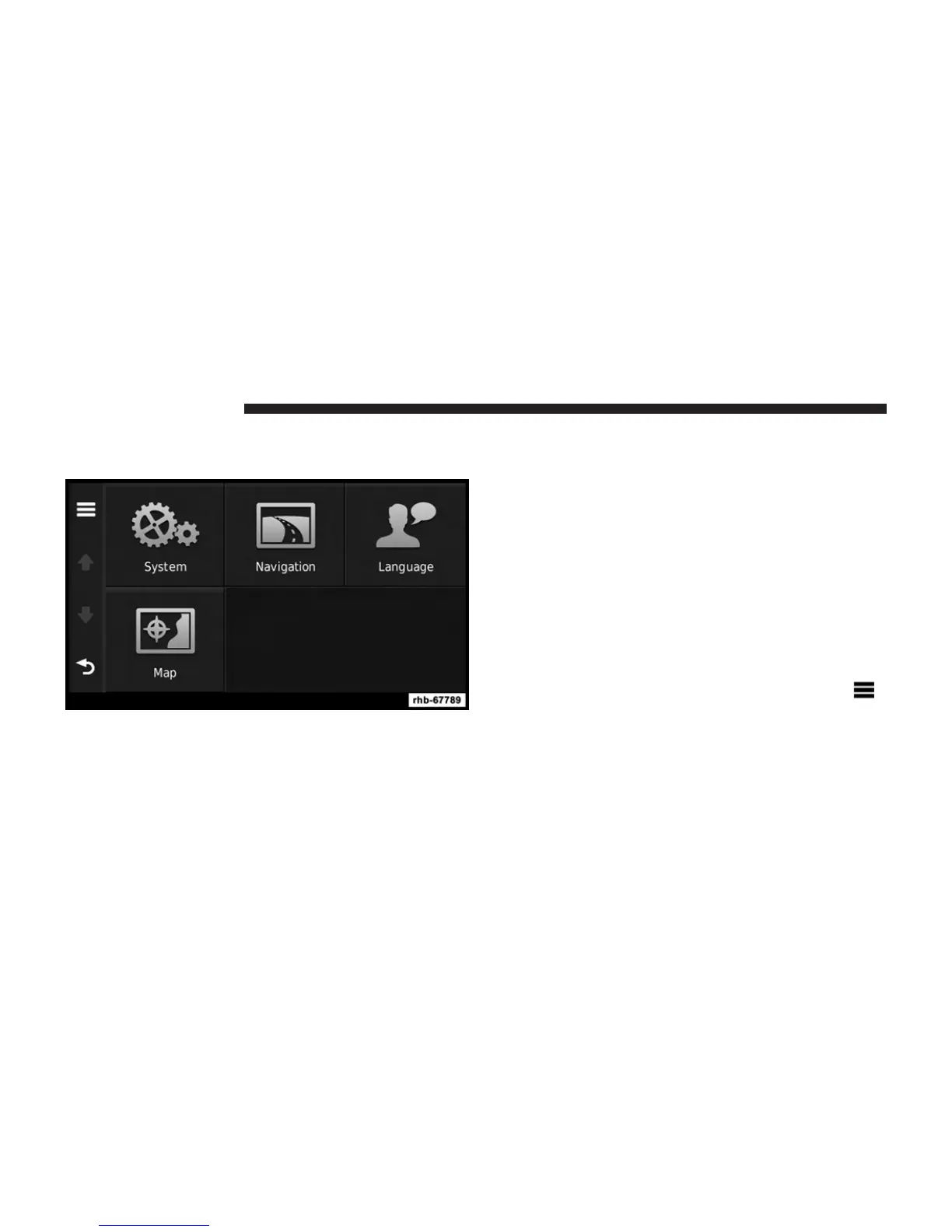
Customizing the Navigation System
1. From the main menu, touch Settings.
2. Touch a setting category.
3. Touch the setting to change it.
System Settings
From the main menu, touch Settings > System.
• GPS Simulator—stops the navigation system from
receiving a GPS signal, and saves battery power.
• About—displays the software version number, the
unit ID number, and information on several other
software features.
NOTE: You need this information when you update the
system software or purchase additional map data.
Restoring the System Settings
From the main menu, touch Settings > System >
>
Restore.
106 Uconnect姞 430/430N



 To Next Page