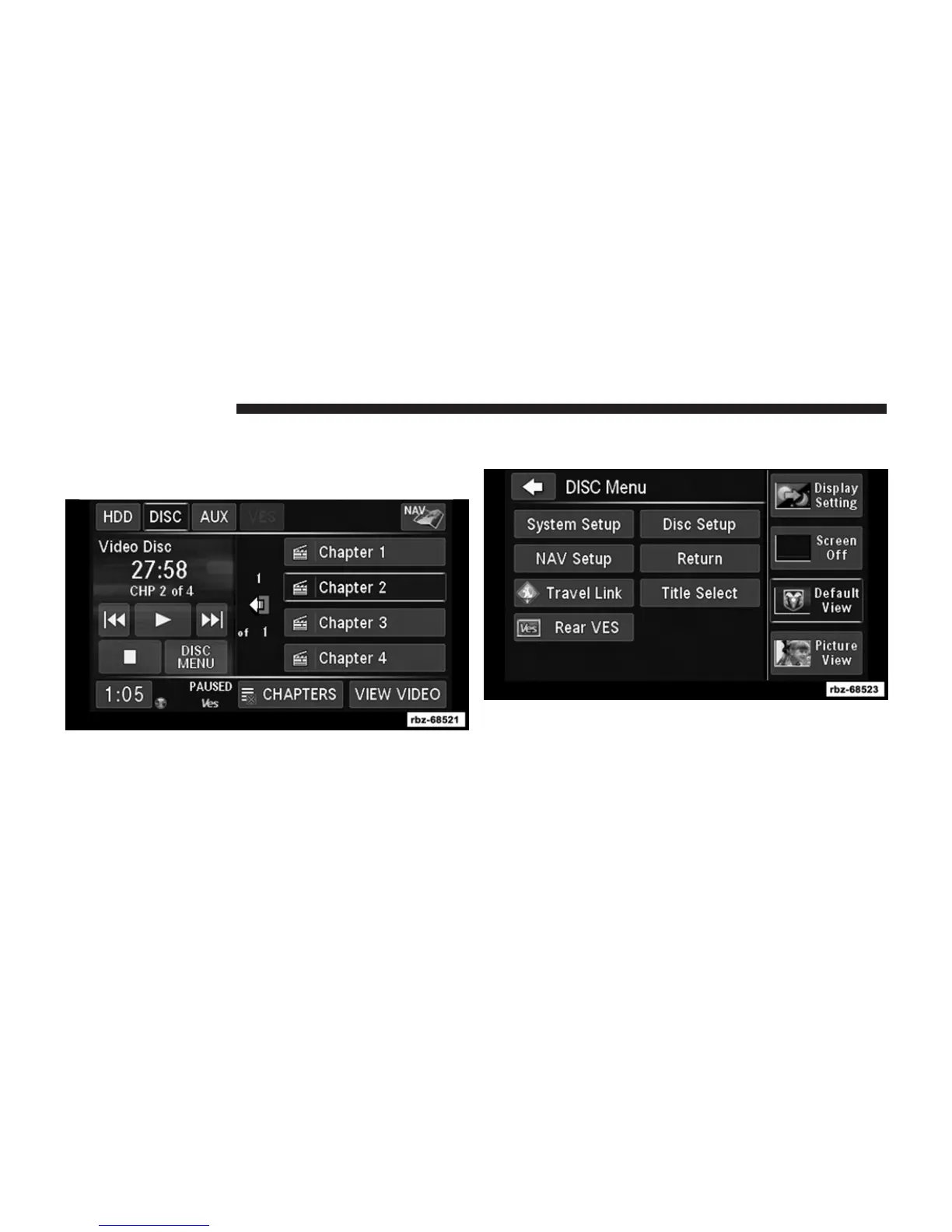
Playing a Video DVD for the Rear VES™
1. To view a DVD video on the rear VES™ radio screen,
insert a video DVD into the radio.
The playback starts automatically after the DVD video
is recognized by the disc drive.
2. Press the MENU hard-key on the right side of the
radio.
70 Uconnect姞 430/430N



 To Next Page