CAUTION!
Never force any connector into the ports of your
radio. Make sure your connectors are the identical
shape and size before you connect.
Audio Jack (AUX) Mode
The Audio Jack connector allows you to connect the
headset output of an audio device (e.g., MP3 player) to
the radio. The audio of the connected device will then be
played through the radio sound system.
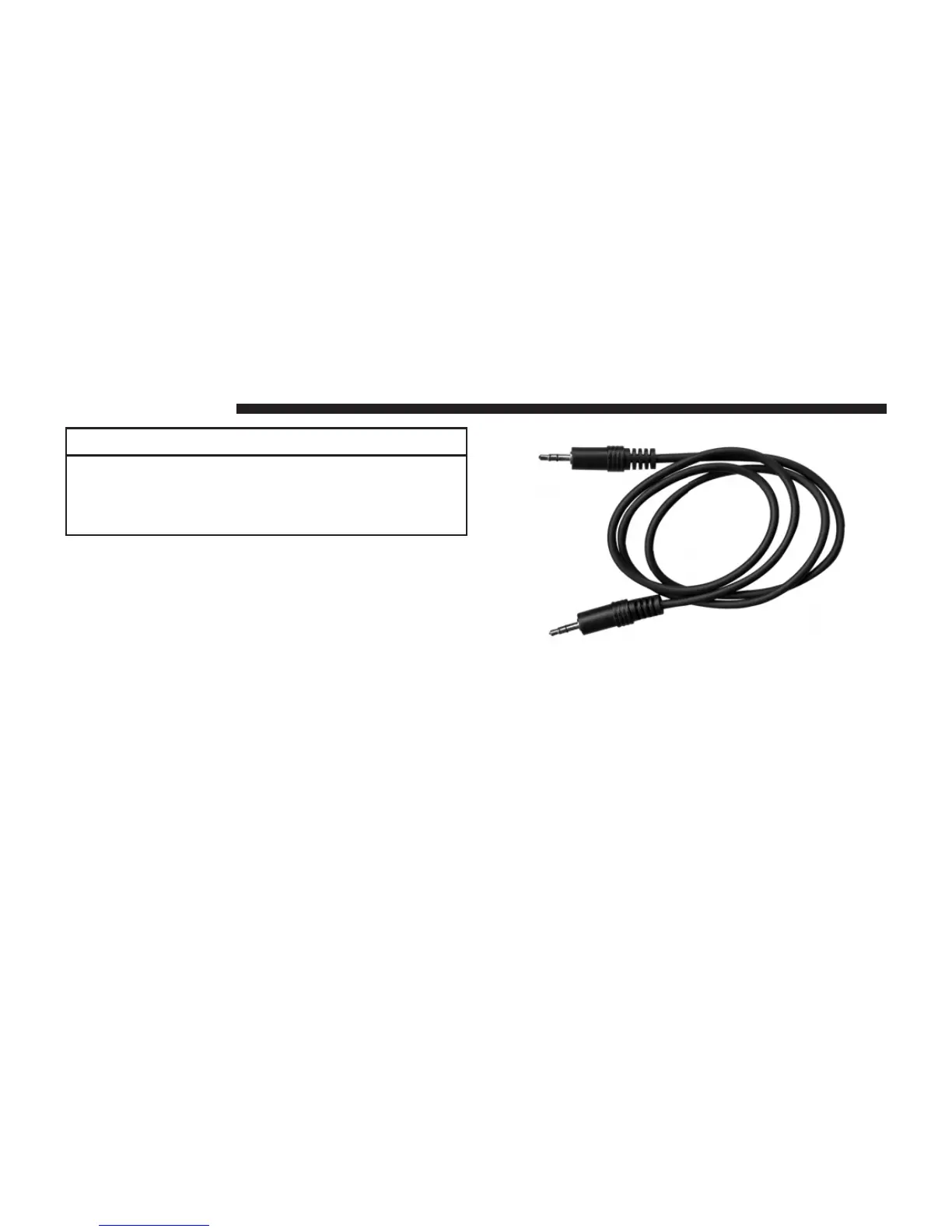
Connect a 3.5 mm
stereo
mini-jack cable as shown above
(not provided with the radio) to the Audio Jack connector
on the radio and to the earphone connector of your audio
device.
The display will switch automatically to the AUX mode
when a 3.5 mm
stereo
mini-jack cable has been connected.
76 Uconnect姞 430/430N



 To Next Page