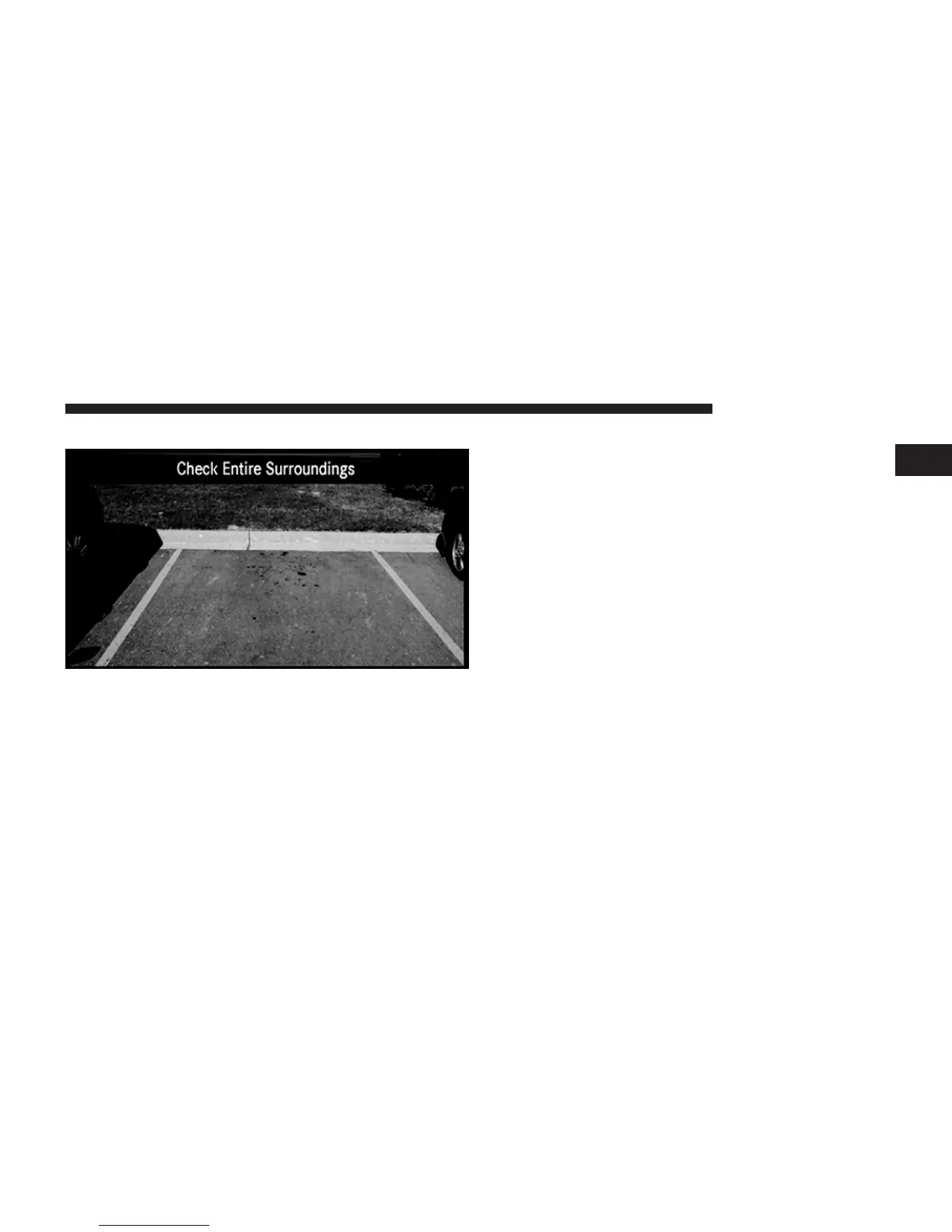
ParkView威 Rear Back Up Camera (if equipped)
When equipped with ParkView威, the radio display
shows the rear view camera picture as soon as the shift
lever is in the R position for vehicles with automatic
transmission. In vehicles with manual transmission the
reverse gear must be engaged.
If available, you can disable the ParkView威 Rear Back Up
Camera feature by pressing the MENU hard-key, then
touching the System Setup soft-key and turning off the
Back Up Camera option.
ParkView威 Camera Delay
The Rear Back Up Camera display will remain on the screen
for a period of ten seconds or up to eight miles per hour.
This feature can be enabled or disabled when the
ParkView威 Rear Back Up Camera is enabled.
1
Uconnect姞 430/430N 31



 To Next Page