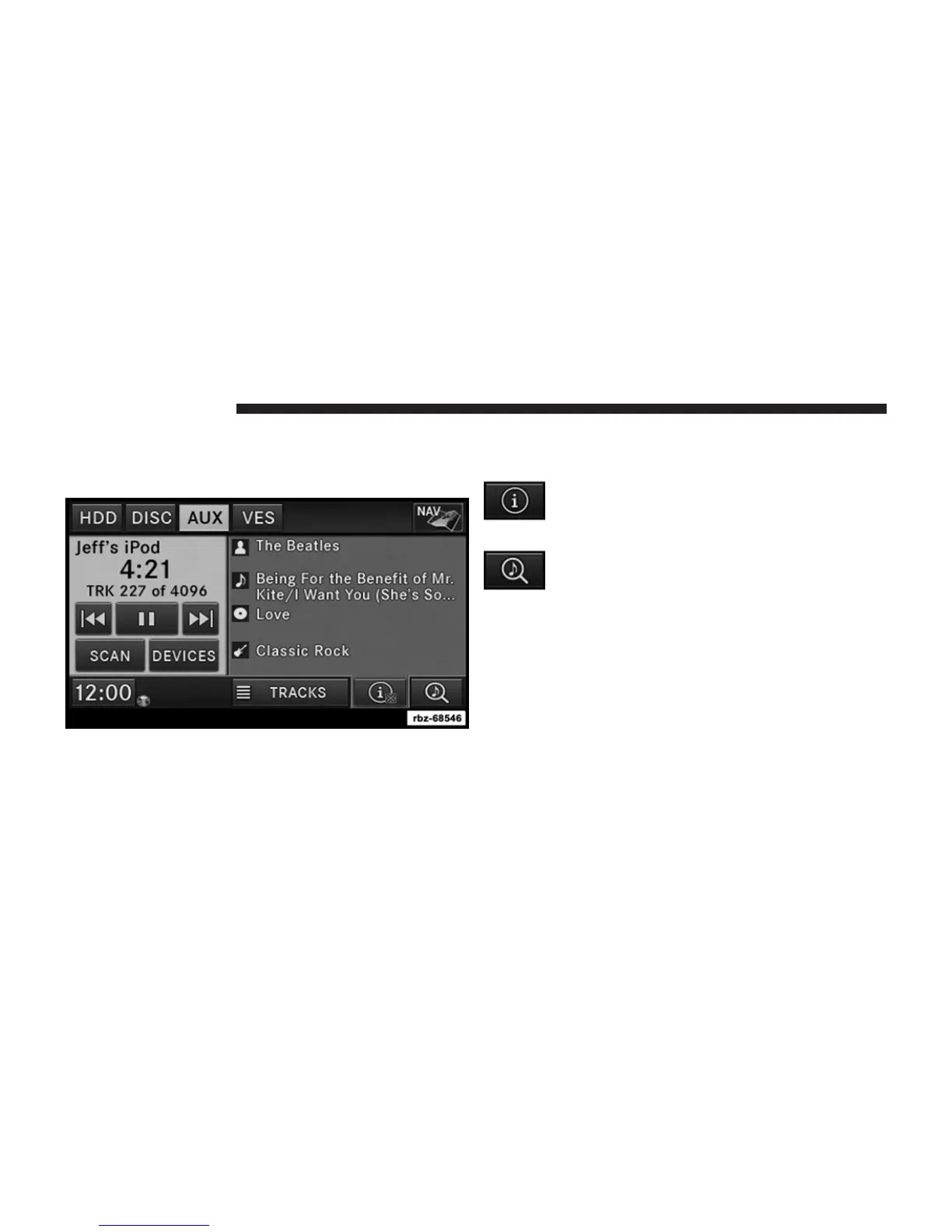
Playing Audio Files from the Audio Device
You can play songs directly from the iPod威 or external
USB device.
Touch the TRACKS soft-key to display a list view.
Touch the soft-key with the desired list item to select and
play the item.
Touch the INFO soft-key to display the track
information, press the soft-key again to close
the display.
Touch the BROWSE soft-key to browse by
categories.
78 Uconnect姞 430/430N



 To Next Page