Scan Search
Touch the SCAN soft-key.
The first few seconds of each individual track will be
played in succession for 10 seconds each.
Select the STOP SCAN soft-key to stop the scan function.
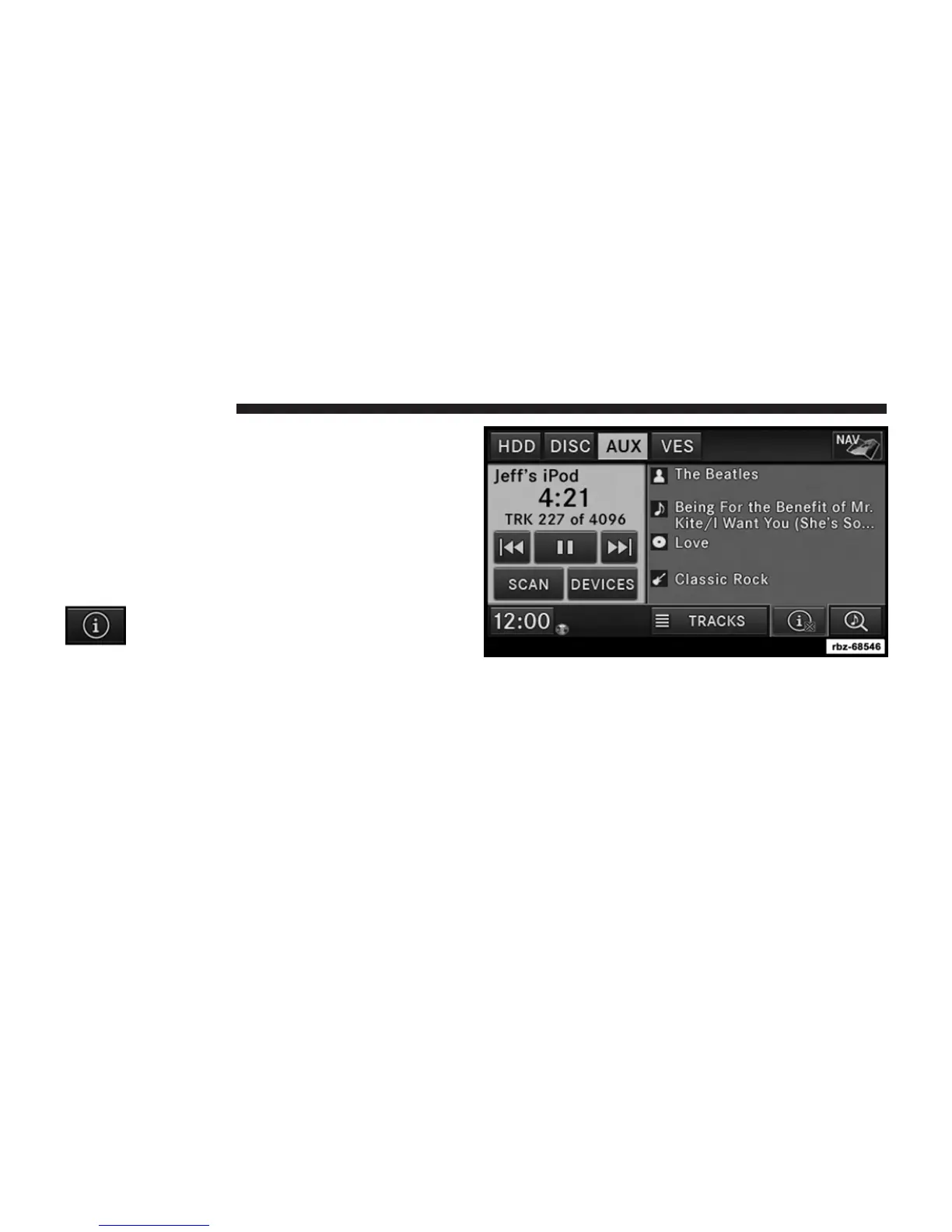
Track Info
Touch the INFO soft-key.
Information on the currently playing track, if available,
will be displayed on the right half of the screen.
AUX Menu
While in AUX mode, press the MENU hard-key to access
the AUX Menu.
82 Uconnect姞 430/430N



 To Next Page