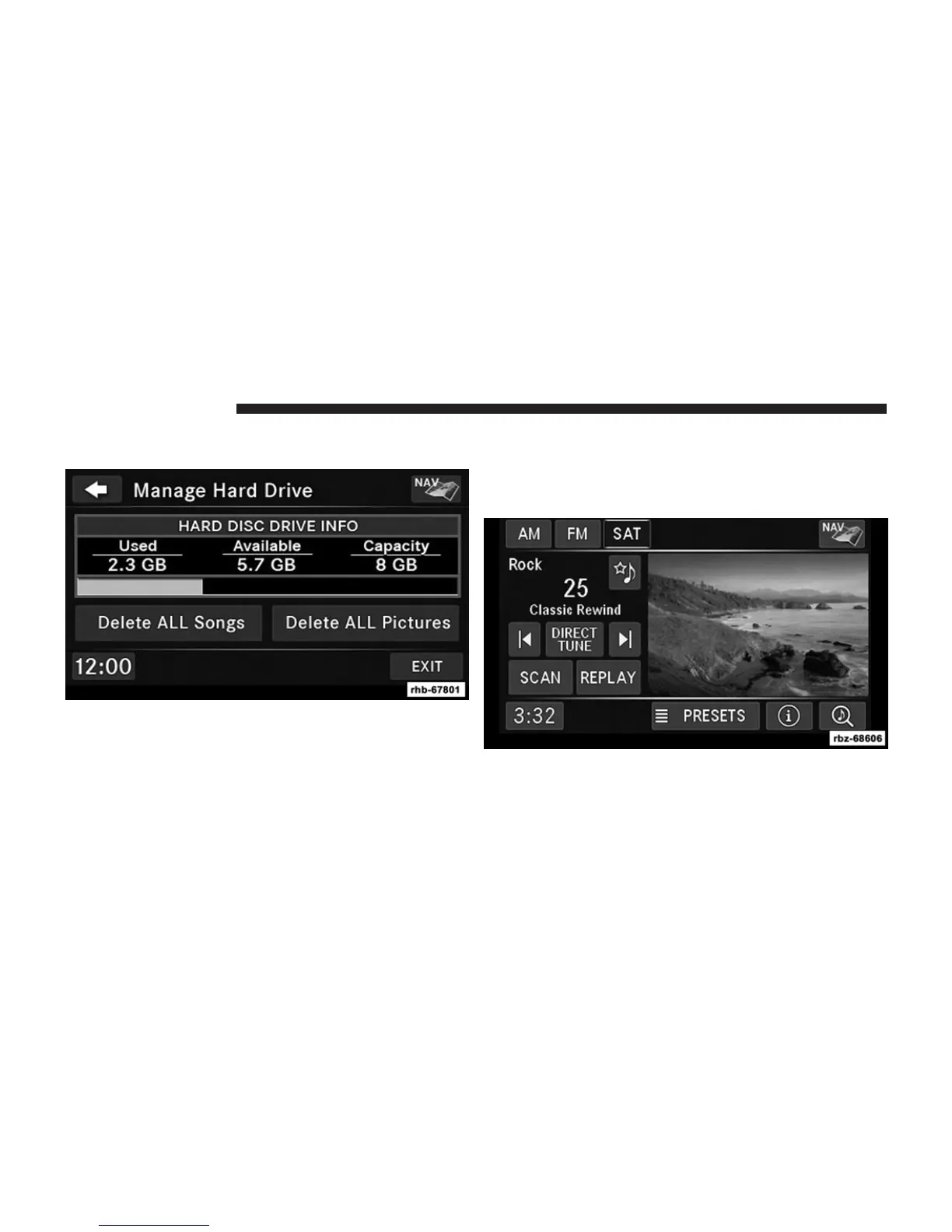
3. Touch the Manage HDD soft-key to access the Manage
HDD menu.
This menu displays the available space on the hard disk
drive and allows you to delete pictures and music files.
Importing Pictures
It is possible to import display pictures to the internal
hard disk drive. The pictures can be displayed on the
right half of the radio screen.
62 Uconnect姞 430/430N



 To Next Page