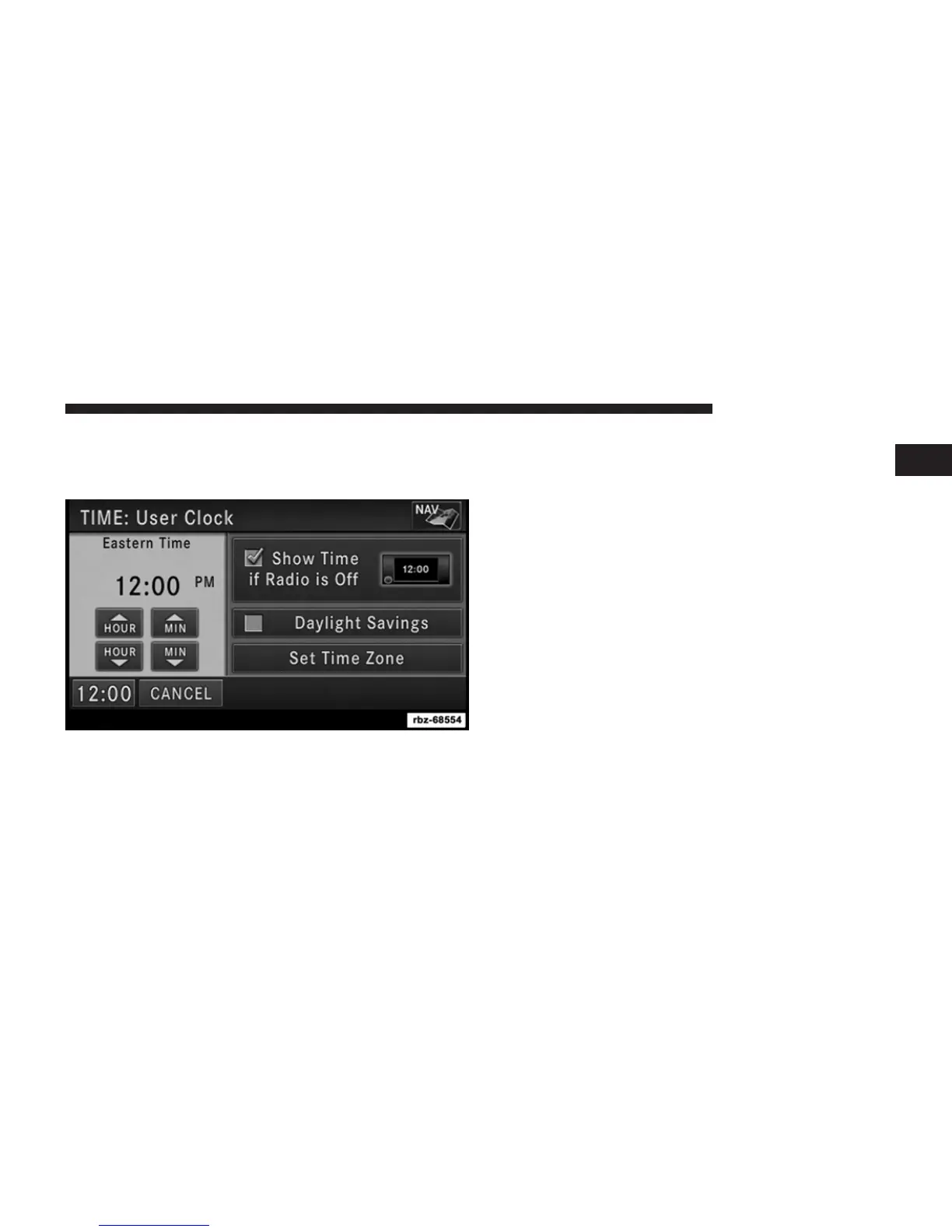
Set the Time – Uconnect姞 430
1. Press the Time display in the lower left corner of the
screen.
2. Adjust the hours and minutes using the up and down
soft-keys.
3. Press the Set Time Zone soft-key to change to the
desired time zone.
4. Press the Daylight Savings soft-key to switch Daylight
Savings on or off.
Set the Time – Uconnect姞 430N
1. Press the Time Display soft-key in the lower left corner
of the screen.
1
Uconnect姞 430/430N 15



 To Next Page