Touch the cursor arrows soft-keys to select the title you
want to view, then touch the ENTER soft-key to start
playback.
Touch the DVD move soft-key to move the con-
trols to the right part of the screen.
Touch the close soft-key to close the DVD MENU
Controls.
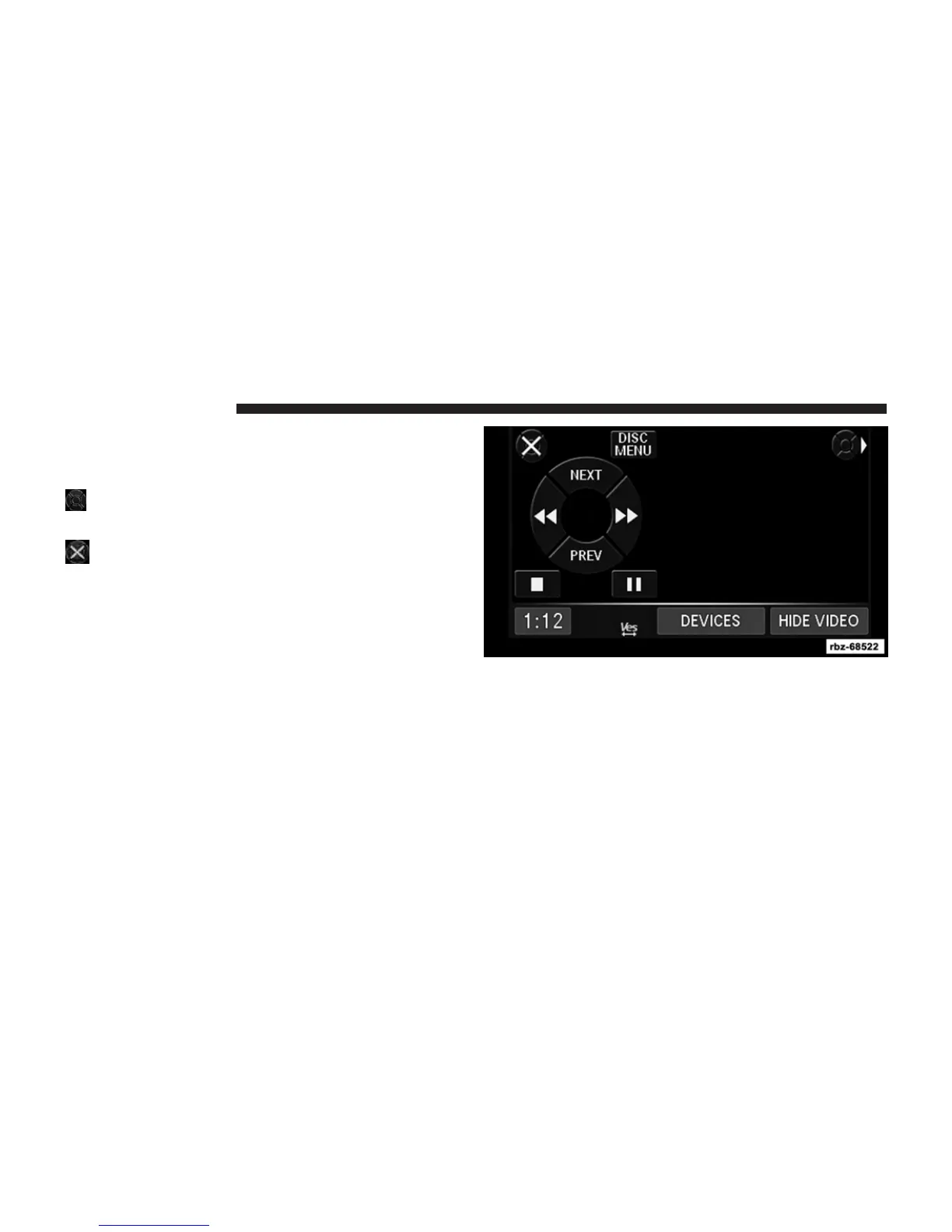
DVD Playback Controls
In video playback mode, touch anywhere on the screen to
show the DVD playback controls.
To pause playback, touch the Pause soft-key.
To stop playback, touch the Stop soft-key.
40 Uconnect姞 430/430N



 To Next Page