Uconnect姞 Multimedia (REMOTE DEVICES)
Video Entertainment System (VES)™
The radio can remotely control the VES™. Refer to the
Uconnect威 Multimedia/VES™ section of the Owner’s
Manual on the DVD for additional details.
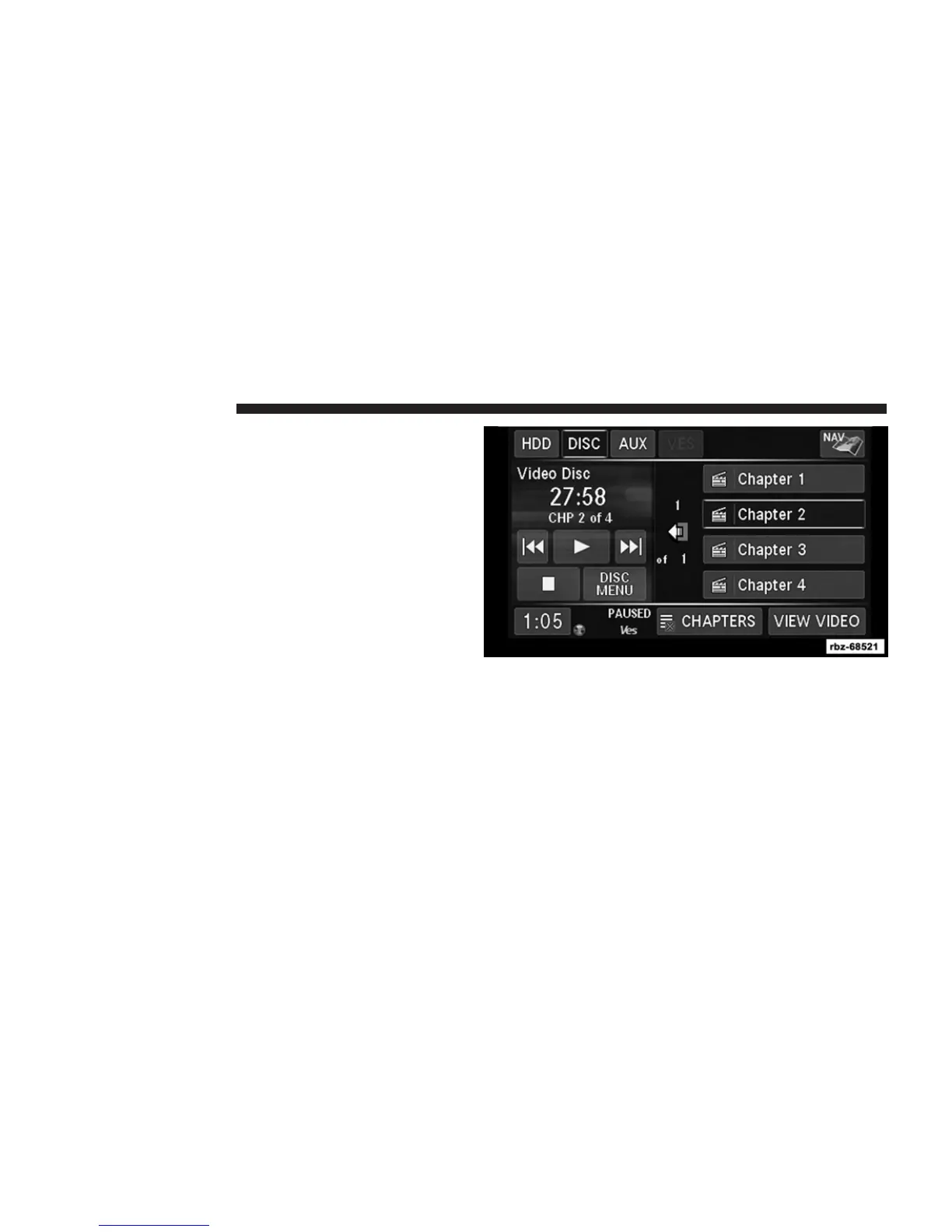
Receiving Audio/Video from the VES™
You can play audio from the VES™ through the vehicle’s
speaker system. If you have a VES™ with a video player,
you can also see the video on the radio’s display, if the
vehicle is parked.
The VES tab becomes available after the VES™ system
(DVD player if equipped or AUX input present) is turned
on. Touch the DEVICES soft-key to select the VES™
audio source.
Touch the soft-key of the desired source to play the
selection in the vehicle cabin.
66 Uconnect姞 430/430N



 To Next Page