Before using the HDD mode, you will need to copy tracks
to the internal hard drive.
The files will be stored on the internal hard disk drive
and can be used in the HDD mode.
Copy Audio Disc to Hard-Drive
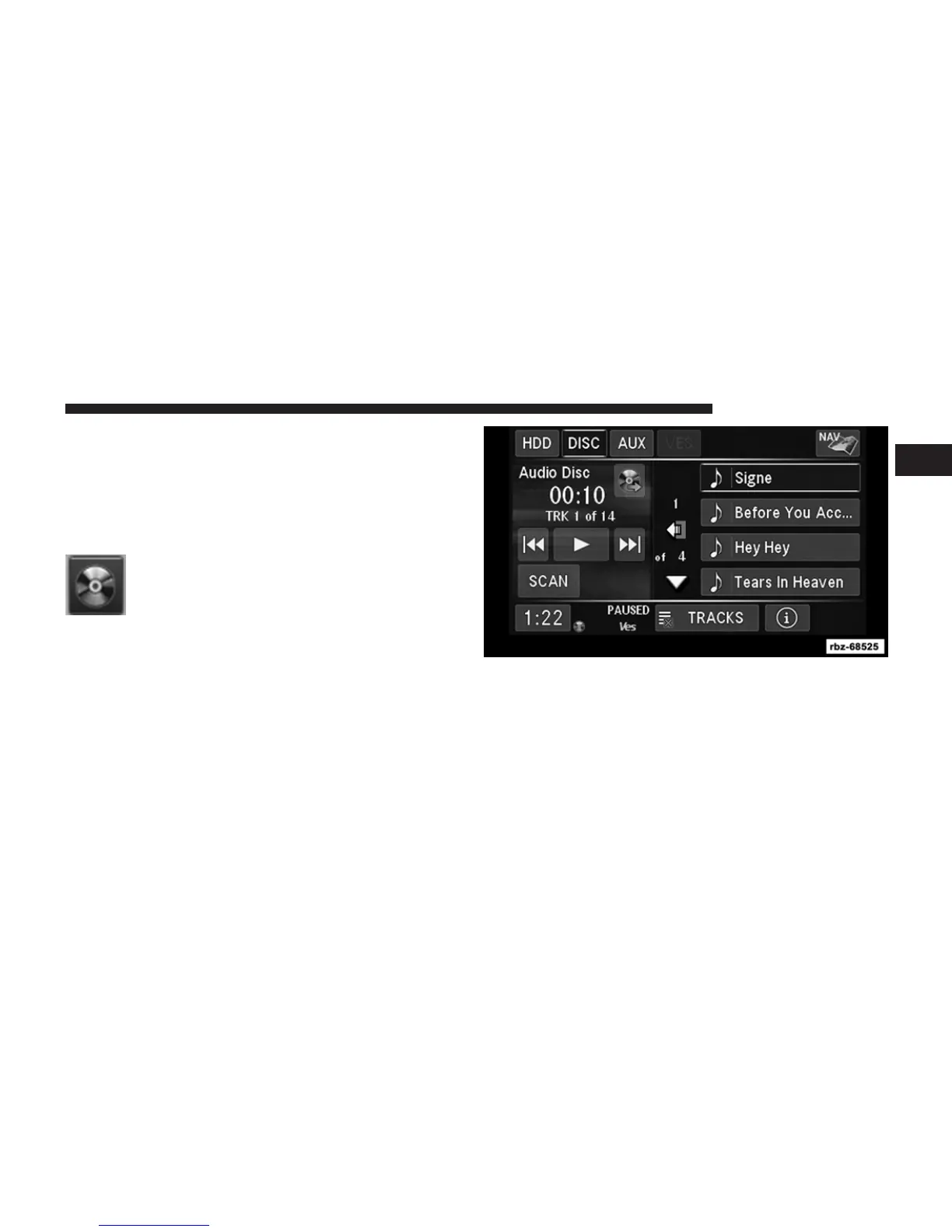
Copy an audio disc to the Hard Disk Drive
using the following procedure:
1. Insert a disc.
2. Touch the copy soft-key to copy music tracks of the
inserted disc to the Hard Disk Drive.
1
Uconnect姞 430/430N 43



 To Next Page