If there is no external DVD player installed in the
vehicle, make sure the rear VES video screen is down
so it will turn on automatically and begin playing the
video. If the VES screen is already on, the video mode
automatically changes to play the DVD Video. If there
is an external DVD player installed in the vehicle, you
will need to change the VES screen mode manually.
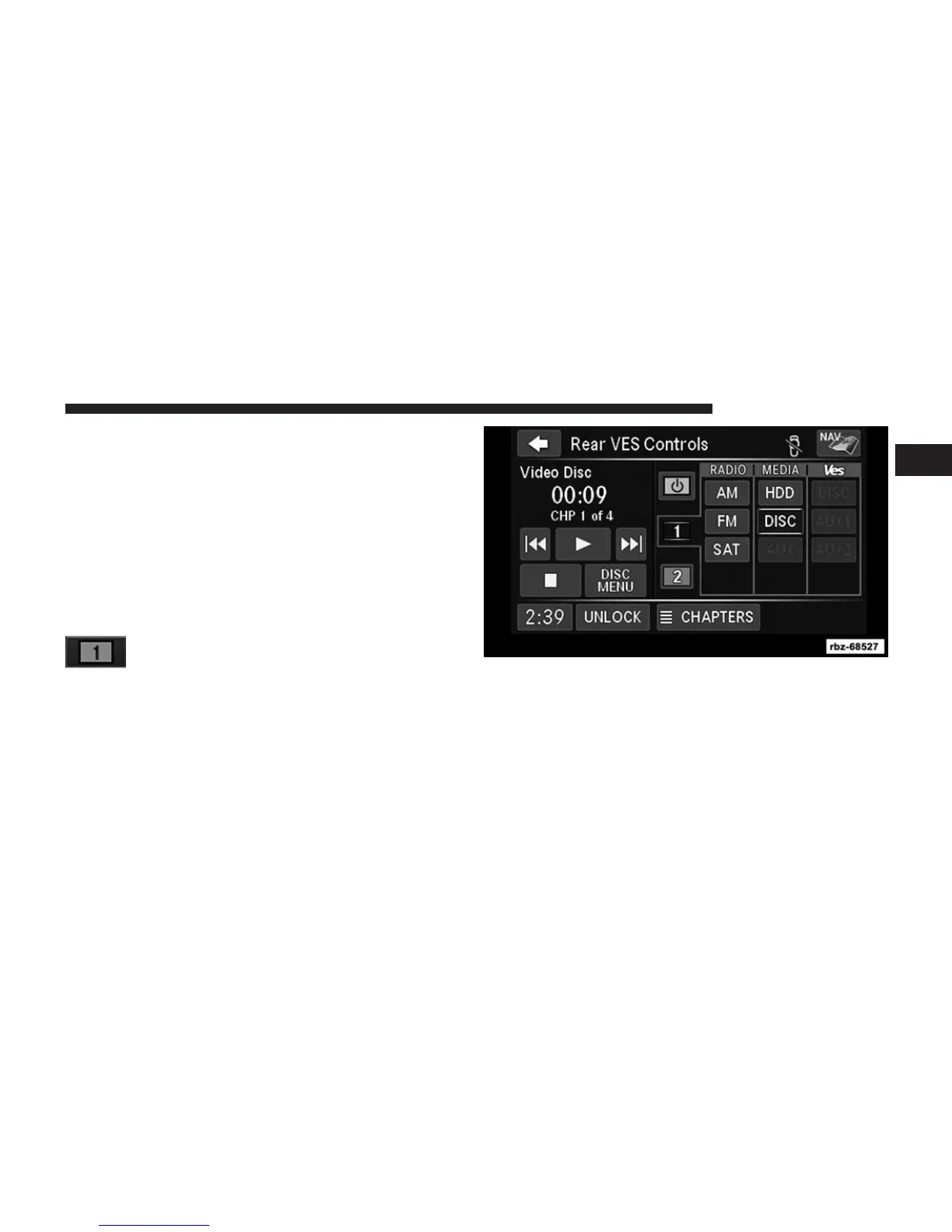
3. Touch the Rear VES soft-key to display the Rear VES
Controls.
Touch the 1 soft-key tab to select audio
Channel 1.
4. Touch the DISC soft-key to select the media mode.
5. The video will begin playback automatically.
1
Uconnect姞 430/430N 71



 To Next Page