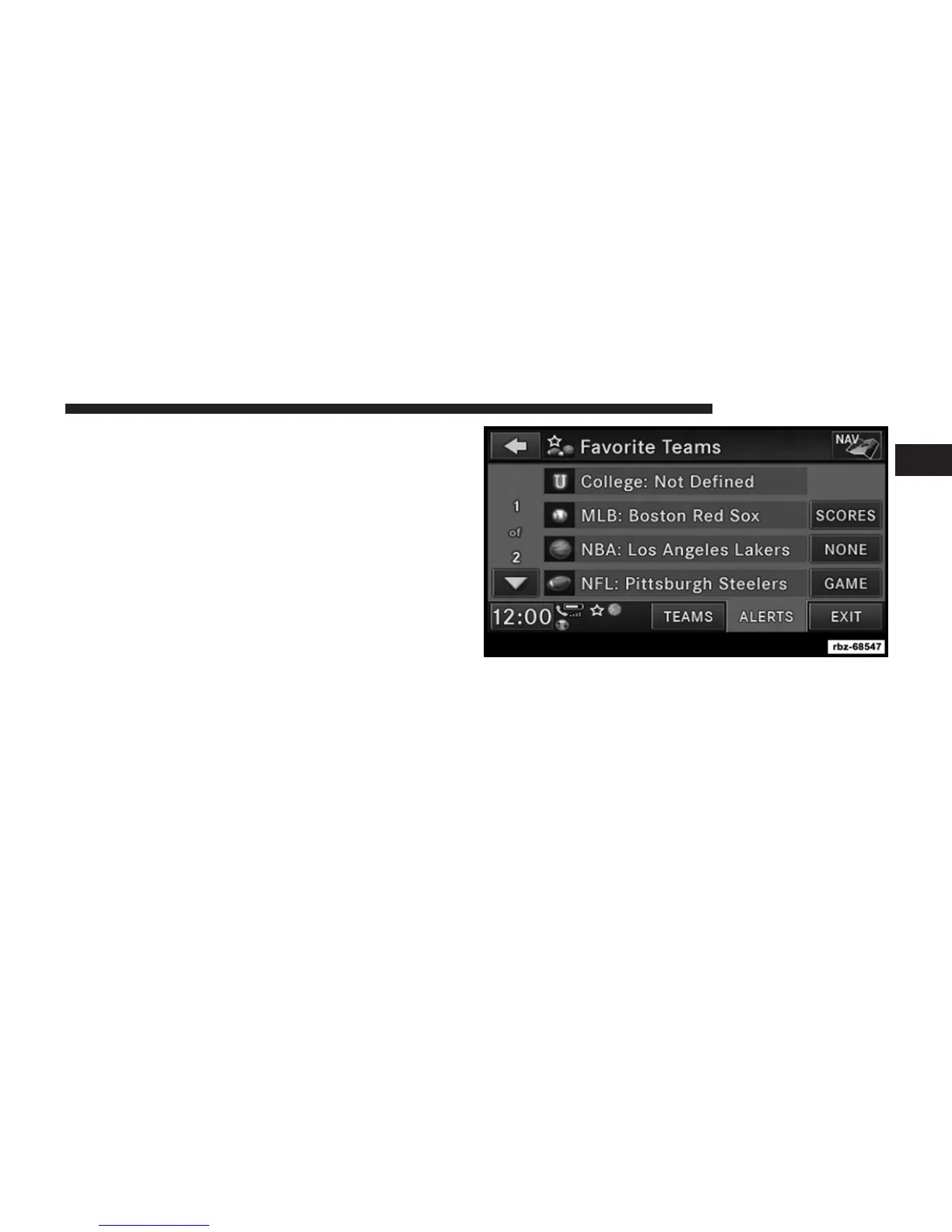
To set or change the favorite team, press the button for
the sport and select a new team from the list.
To change the alert types you will receive for each team
(depending on the Game Alerts setting), select the
ALERTS tab. Pressing the button next to the team
changes the alert type between NONE (no alerts), GAME
(alert when the game broadcast begins), SCORES (alert
each time the game score is updated), or ALL (both game
start and score alerts).
1
Uconnect姞 430/430N 27



 To Next Page