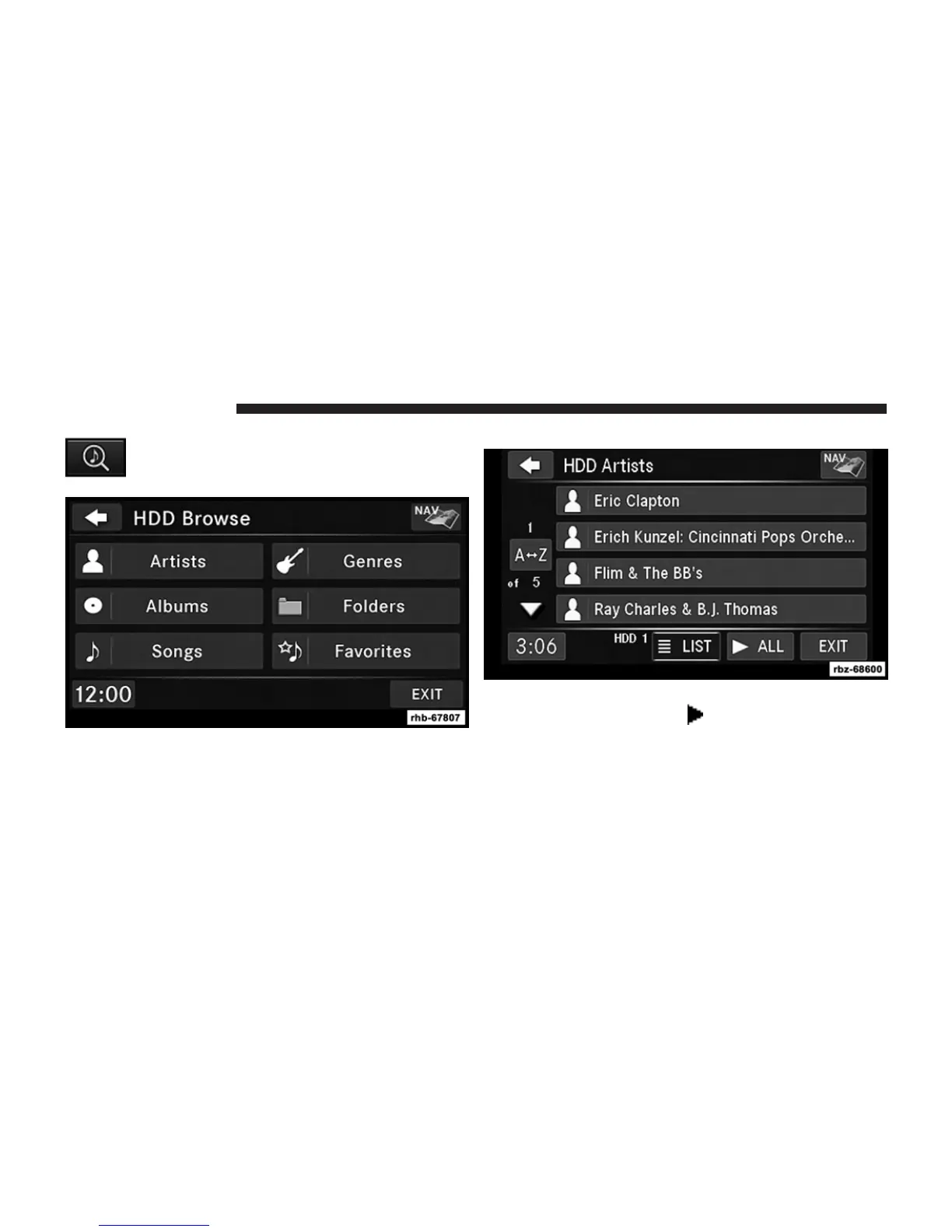
Touch the BROWSE soft-key to select an avail-
able category.
1. The radio can sort the files by artist, album, song title,
genre or folder name. You can also create links to your
favorite songs, artists, albums, genres or folders.
2. For this example, touch the Artists soft-key.
3. Touch the soft-key for the desired artist to list all songs
by the artist. Touch the
ALL soft-key to play all
songs by artist sorted in alphabetical order.
52 Uconnect姞 430/430N



 To Next Page