35
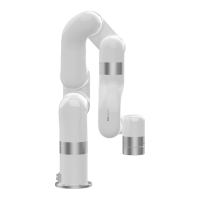
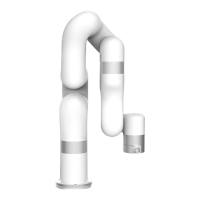
Ensure the 850 will not hit any personnel or equipment within the
working range.
1.3.2. Power On
1. Turn on the OFF/ON button and ensure the indicator lights are lit.
2. Press the power button, when the status indicator(CONTROLLER)
lights up, the control box is turned on.
3. Rotate the emergency stop button in the direction indicated by the
arrow and is pulled up, at which point the 850 power indicator
(ROBOT PWR) lights up.
4. Use the UFactory studio / SDK command to complete the operation
of enabling the robotic arm. (enable the servo motor)


 To Next Page