91
direction of the robotic arm and the direction of gravity. If the mounting
direction of the robotic arm is set incorrectly, the robotic arm will not be
able to accurately recognize the direction of gravity, which will cause
the robotic arm to frequently trigger a collision warning and stop motion,
and will also result in uncontrolled motion of the robotic arm after
entering manual mode.
The built-in IMU of the robot arm will detect the direction of gravity.
When the deviation between the installation direction you set and the
installation direction detected by the IMU exceeds 10°, the software will
pop-up prompts.
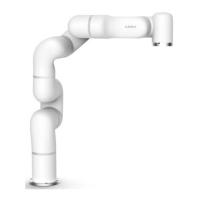
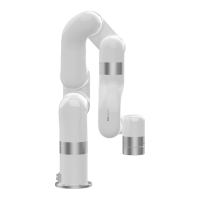
【Floor (0 °, 0 °)】
● The default method is horizontal installation, and the horizontally
mounted robotic arm does not need a tilt angle and a rotation angle.
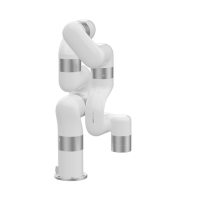
【Ceiling (180 °, 0 °)】
● For ceiling-mount, users simply need to set the mounting method as
ceiling, and it is not necessary to set the angle of rotation.
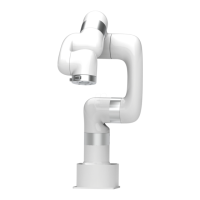
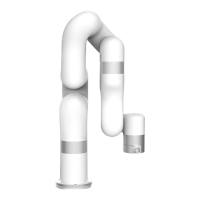
【WallUp (90 °, 180 °)】
● Indicates that the robotic arm is wall-mounted and the end of the
robotic arm is facing up.
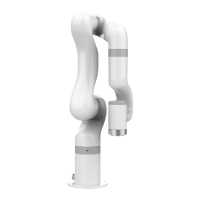
【WallDown (90 °, 0 °)】
● Indicates that the robotic arm is wall-mounted and the end of the


 To Next Page