29
User Guide
To apply a bevel style to text and graphic
objects:
1 Insert a text or graphic object into the
workspace.
2 Select Object Style: Material Gallery -
Extruded Objects. Drag a bevel style to
your object in the Edit Window to apply it.
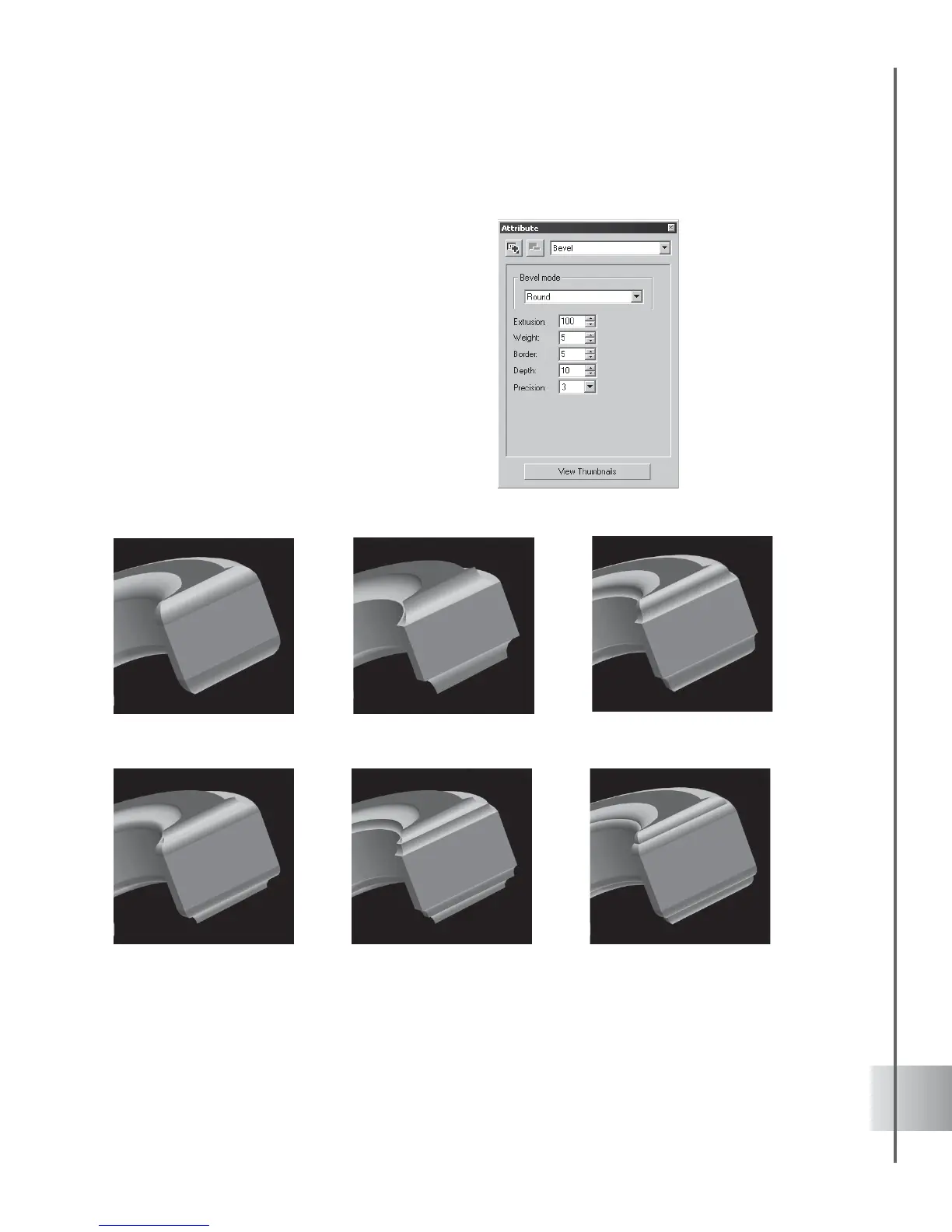
3 To customize your bevel style, select Bevel
in the Property List in the Attribute Panel.
4 Change the settings for Extrusion, Weight,
Border, Depth or Precision until you get
the effect that you want.
Basic Board Bevel Styles
Round-Round
Chiseled-ChiseledChiseled-Round
Round-Chiseled
ChiseledRound



 To Next Page