62
Ulead COOL 3D Production Studio
Object Explosion
Blasting an object creates a fascinating and eye-catching impact in your animation. Equally
stunning is reversing the effect to integrate an object from tiny bits. We will be doing this
reverse explosion in this tutorial. (Settings: 30 frames, 15 fps.)
To create a reverse Object Explosion effect:
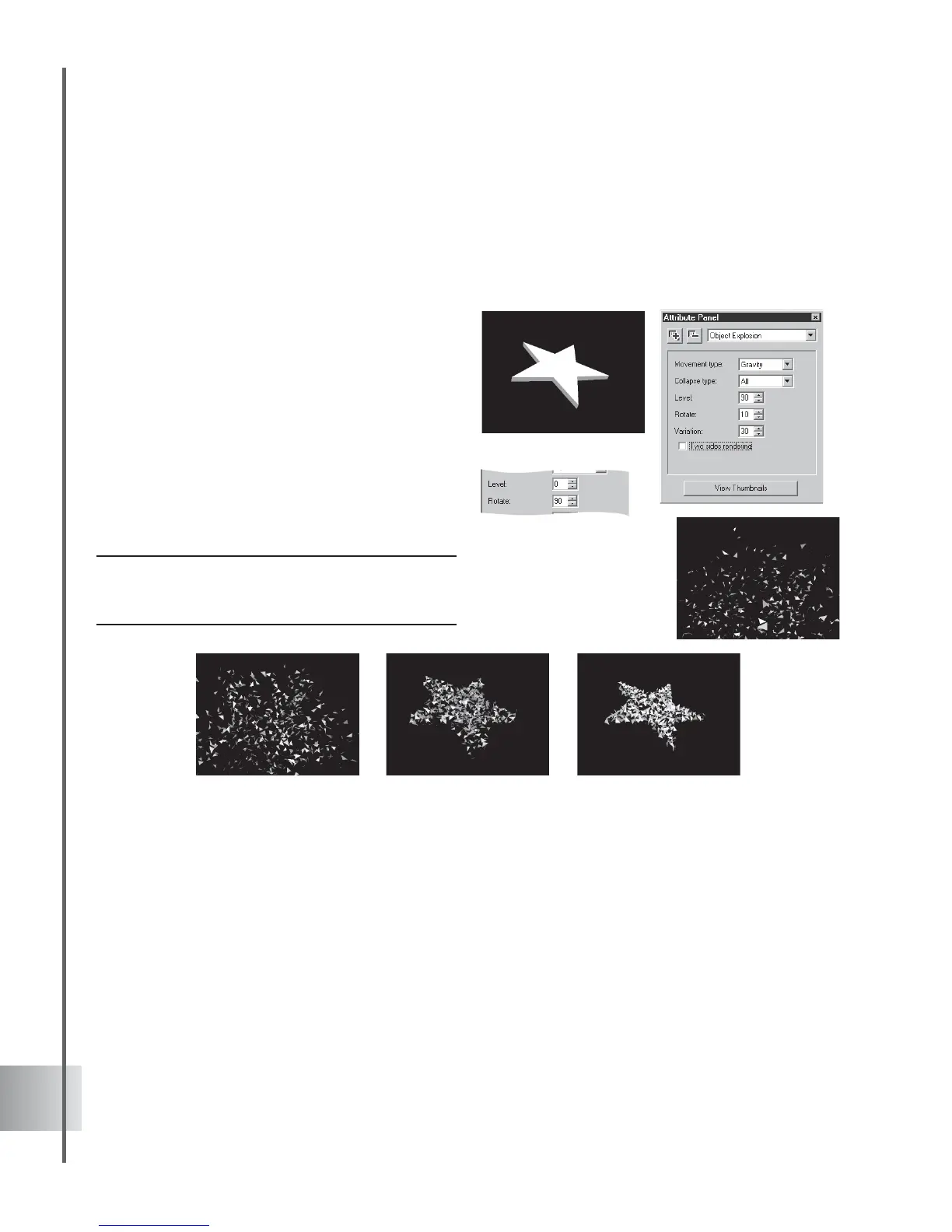
1 Insert an object in the Edit Window. Click
Add plug-in and select Object Explosion in
the Attribute Panel.
2 Set the Movement type to Gravity at frame
1. Set also the Collapse type to All and
Level to 90 to disintegrate your object. Set
Rotate value to 10.
3 At frame 30, set the Level to 0 for a
complete formation of your object. Enter 90
for the Rotate value.
4 Click Play to preview the effect.
Note: Experiment with different values for Variation.
Each number you enter produces a slightly different
variation of the explosion effect.



 To Next Page