93
User Guide
Flash animation
COOL 3D projects can be exported as
Macromedia Flash (*.SWF) files.
To export a Flash file:
1 Select File: Create Animation File -Export
to Macromedia Flash (SWF) - with Bitmap.
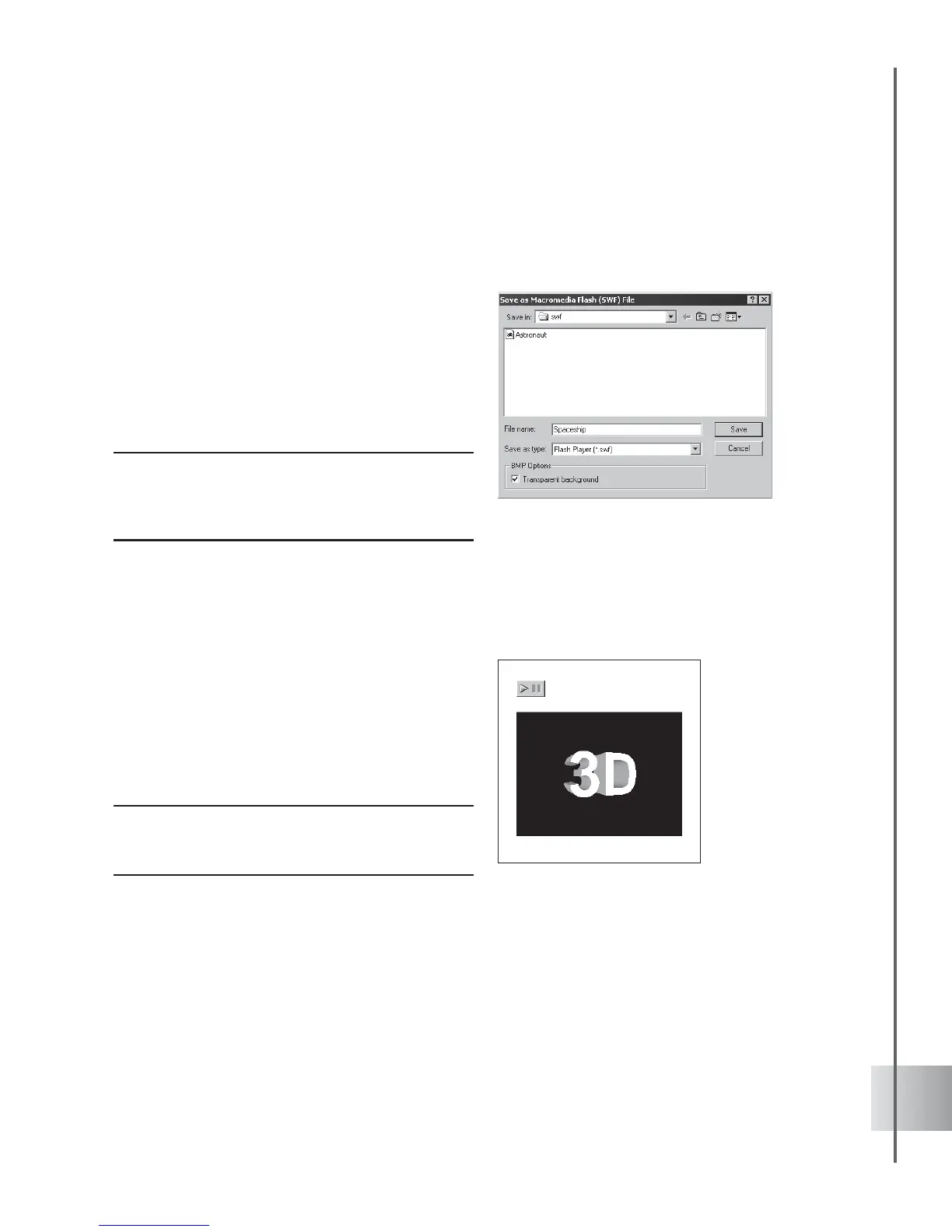
2 This opens the Save as Macromedia Flash
(SWF) File dialog box with BMP options
for working with a transparent background.
3 Input a name for the export file and click
Save.
Note: Select Create Animation File: Export to
Macromedia Flash (SWF) - with JPEG to open the
Save as Macromedia Flash (SWF) File dialog box
with JPEG options.
RealText 3D
You can output your animations in the
RealText 3D file format (*.r3t). This new
format stores your animation while
maintaining small file sizes, thus making it
optimal for display on a Web page. To output
an animation in this format, use the File:
Export To RealText 3D. Once you’ve saved
it, you can preview it in your default browser.
Note: Exporting your project to this file format can
result in the loss of the following attributes: texture,
bevel, light, color, background image, and camera.



 To Next Page