92
Ulead COOL 3D Production Studio
• Transparent background Removes the background of the GIF so that only the 3D
objects can be seen. When the GIF image is placed on a Web page, the background of
that page shows through instead.
• Looping Select to repeat the animation continuously or for a specific number of times.
• Launch Ulead SmartSaver Lets the program automatically detect and run Ulead
SmartSaver, a program that helps you create and optimize animations saved in JPEG,
GIF, and PNG formats.
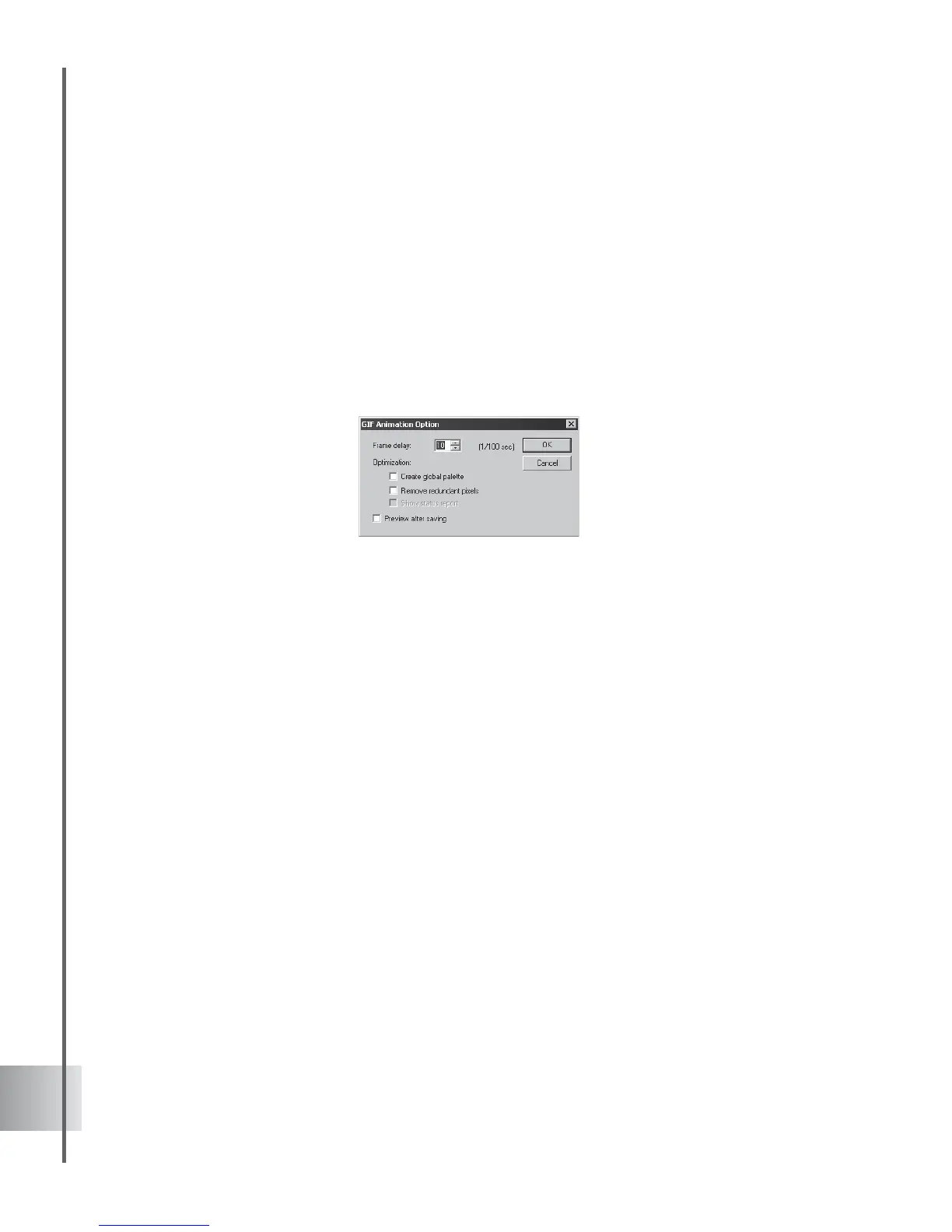
Clicking Optimize opens the GIF Animation Option dialog box where you can select
other options.
• Preview after saving Gives you a preview of the animation in your default browser
after saving.
• Create global palette Builds a global palette, based on the colors of all of the images in
the animation combined. Doing this can reduce size although it may not produce the
best quality.
• Remove redundant pixels Takes away pixels that are common to all frames in the
animation. This also helps to reduce file size.
• Show status report Displays file size and other vital data of the animation before and
after optimization.



 To Next Page