53
User Guide
6 Click Play to preview the animation. The
object should move to the right and away
from you.
7 Insert a second object into the project, then
select Position in Properties. Add key
frames at frames 10, 20, and 30.
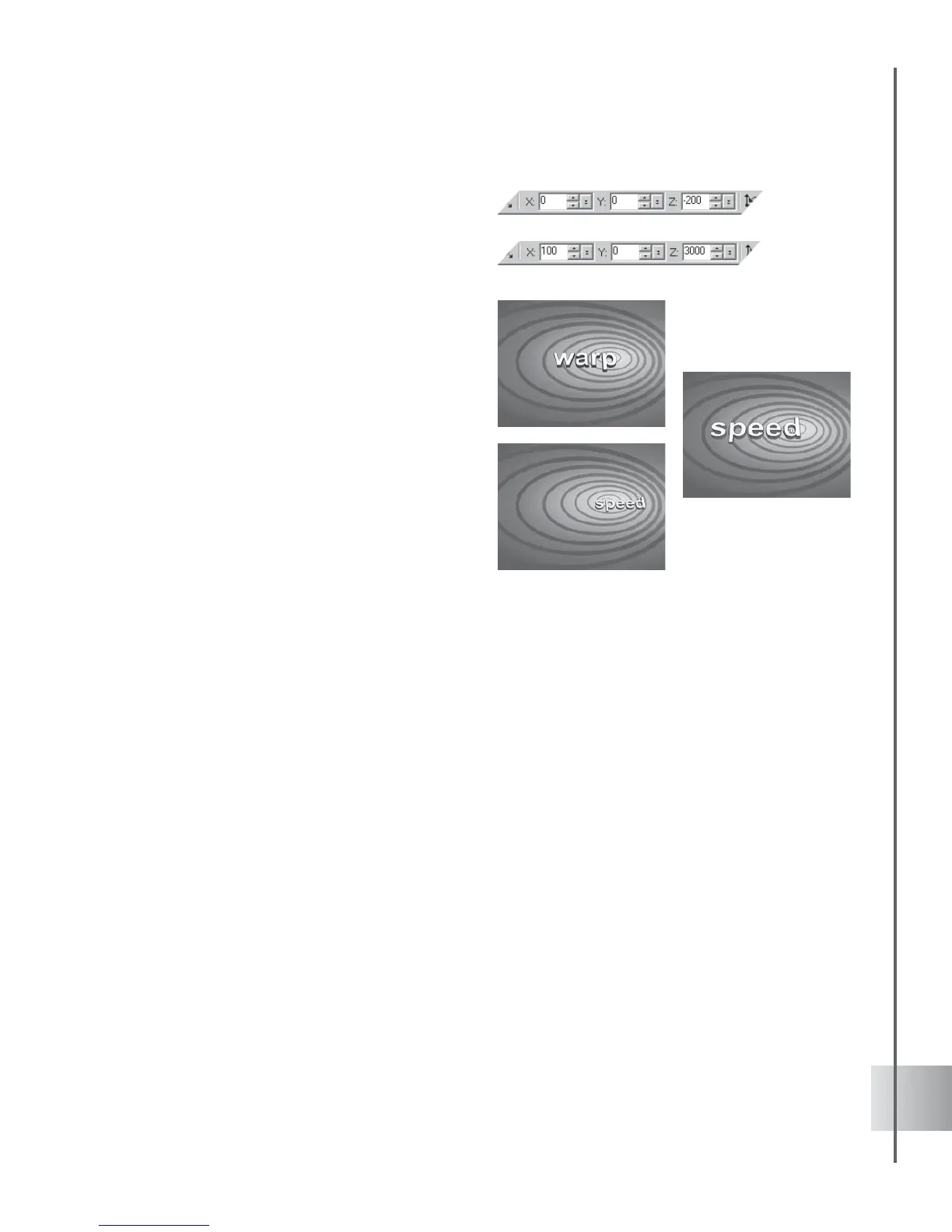
8 Click Move Object on the Location Toolbar
and at frames 1 and 10, set the X and Z
coordinates to -350 and -200 respectively.
At frame 20, set the X coordinate to 0, and
do not adjust the Z coordinate. At frame 30,
set the X and Z coordinates to 100 and
3000.
9 Click Play to preview the animation. The
second object should chase after the first
one, following the same motion path.



 To Next Page