YK15-0009-DI-002-04
ix
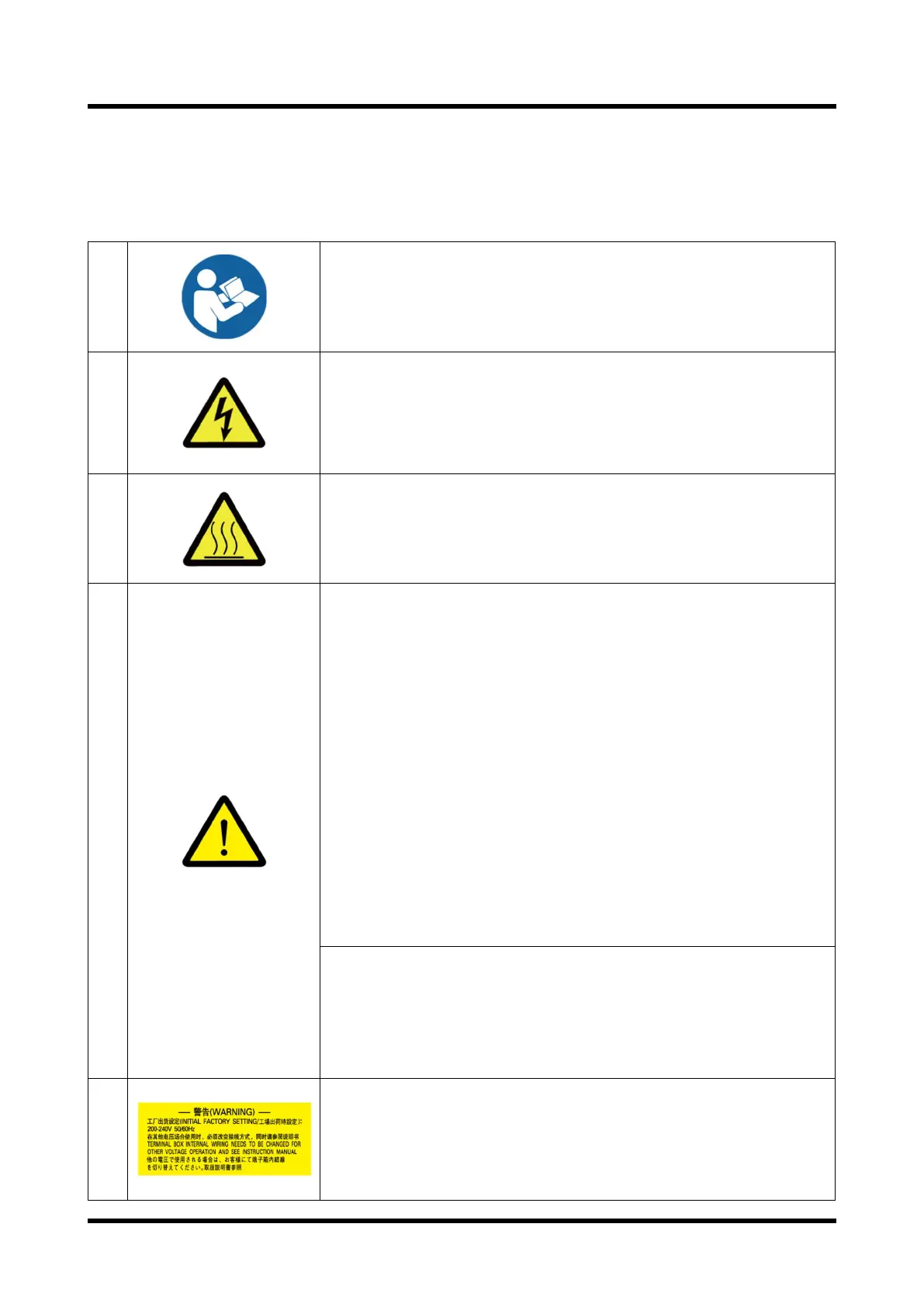
0.4 Types and Descriptions of Warning Labels Displayed on This Machine and
Displayed Positions
Warning labels are attached on the warning locations in this system.
Be sure to check them before starting operation of the Pump.
1
Before use, read through the instruction manual and fully
understand its contents.
2
・
You may get an electric shock in the area around a portion
with this warning label. Before maintenance or wiring, be sure
to turn off the primary power supply.
・
Be sure to close the lid of the terminal box before operating
this unit. Never open it during operation.
3
During operation or for a while after operation stops, do not
touch the unit as each portion is at a very high temperature. -
If a human body touches the unit, it may get burned.
4
・This product is not made as the withstand pressure
structure. Ensured pressure value of the Pump shall be
0.03MPaG (0.3kg/cm2G) (Gauge pressure).
・Do not run the Pump on blocking the Exhaust outlet or
putting any device that might hamper gas passage onto the
outlet. There is a risk that the pressure inside the vacuum
pump rises up to cause break the casing or Oil level gauge
resulting in overload of the motor.
・Following gases cannot be evacuated because these gases
may cause the
pump inner pressure to increase due to internal combustion.
1) explosive gas
2) flammable gas
3) gas which increases the susceptibility of substances to
burn.
Long term storage of the Vacuum pump without operation
might possibly cause trouble in operation caused by rust i
you kept the Pump
long time without operating it, ask a closest
Service Center for the check.
Indoor Use Only
Mount at least 100mm from side walls.
5
Before wiring, please confirm the power-
use.
Please confirm the power-supply volta
change crossline in the terminal box.
Refer to “3.5 Electrical Connection”.


 To Next Page