EasyManua.ls Logo

Uniphone 1150 - Plugging in Power and the Telephone Line

Uniphone 1150
62 pages
Print Icon
To Next Page IconTo Next Page
To Previous Page IconTo Previous Page
Loading...
SET-UP
•
9
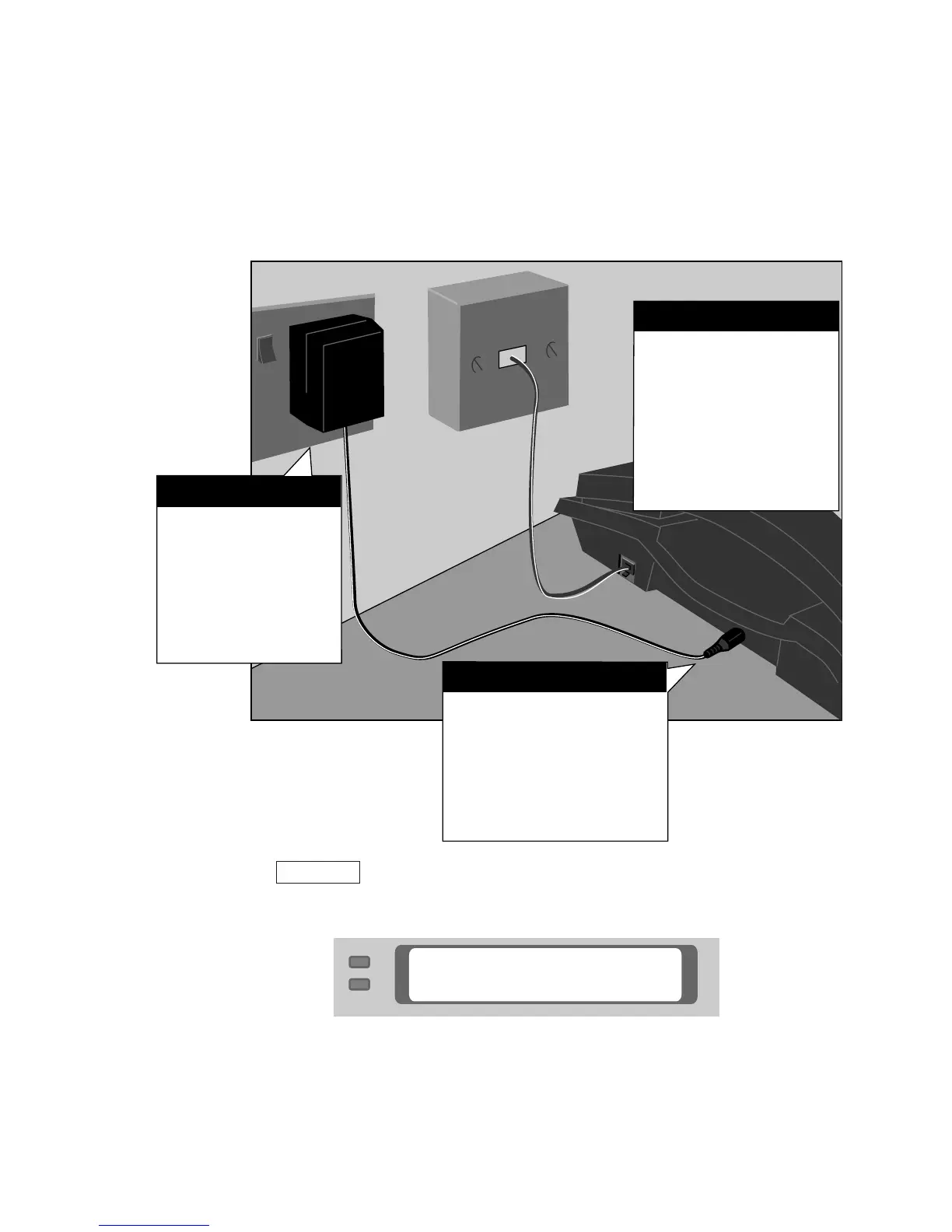
Plug the AC
adapter's power
cord into the power
socket on the
Uniphone 1150.
Step 2
Plug the tele-
phone cord on
the back of the
Uniphone 1150
into the wall
socket.
Step 1
Plug the AC
adapter into an
electrical point
and turn on
the mains.
Step 3
Plugging in power and the telephone line
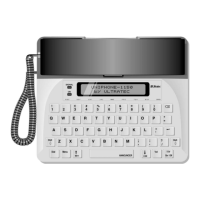
Before you begin, connect the handset cord to the Uniphone
1150 and the handset. Then follow these steps to plug in the
Uniphone 1150:
Press the key to turn on the Uniphone 1150. You will
see UNIPHONE RESET and then the following screen:
This is the ready screen. You see it whenever you are not using
the Uniphone 1150. This display means the telephone is hung
up and the text telephone is off.

UNIPHONE–1150
by ULTRATEC
TTY On/Off