36
•
AUTO-ANSWER
Note: You can also read auto-answer messages using its hot
key: + .
Setting the number of telephone rings
Auto-answer is set to answer the telephone after 3 rings. You
can change this to any number between 2 and 5. Follow these
steps to change the number of rings:
1. Press the key.
2. Press the key to select AUTO-ANS.
3. Press the key to select RING.
4. Press the key or the key to select the number you want.
5. Press the key to set the number of rings.
G
A
Menu
RMenu
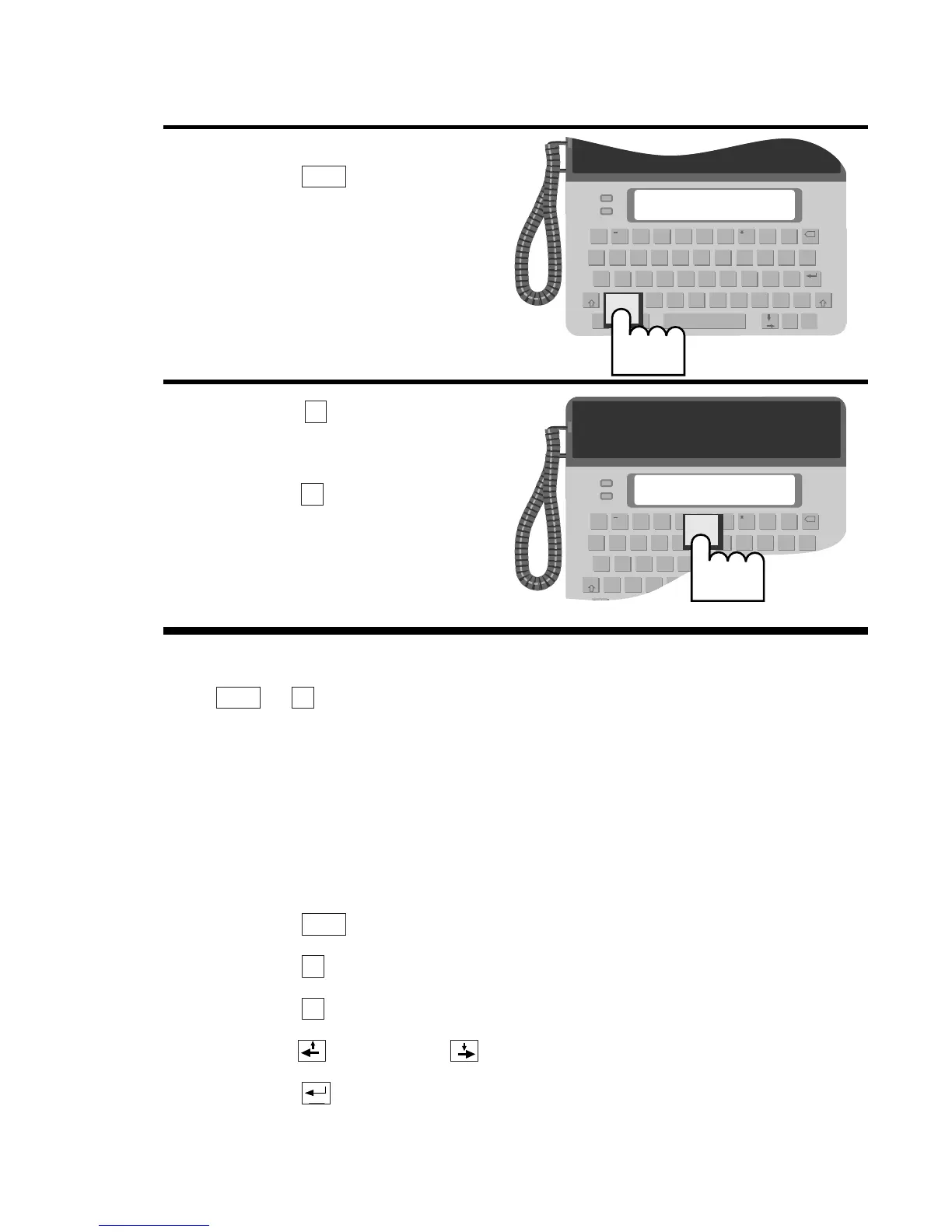
4. To stop reading messages,
press the key.
5. Press the key to clear
your messages.
Press the key if you
decide not to clear. An
A
A
symbol appears in the bot-
tom left of the ready screen
reminding you of them.
N
Y
Menu


 To Next Page