SET-UP
•
7
11
SET-UP
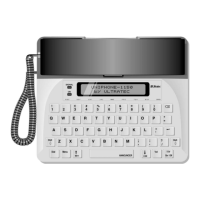
All you do when setting up the Uniphone 1150 is plug it in!
You can also install a battery if you want to use the Uniphone
1150 during a power failure. After opening the box, you should
find the following parts:
• Uniphone 1150 with telephone cord
• Handset with cord
• AC adapter
CHAPTER
CAUTION! Use only the included AC adapter with the
Uniphone 1150. Using another AC adapter may damage the
Uniphone 1150. Damage caused by another AC adapter will
void your warranty.


 To Next Page