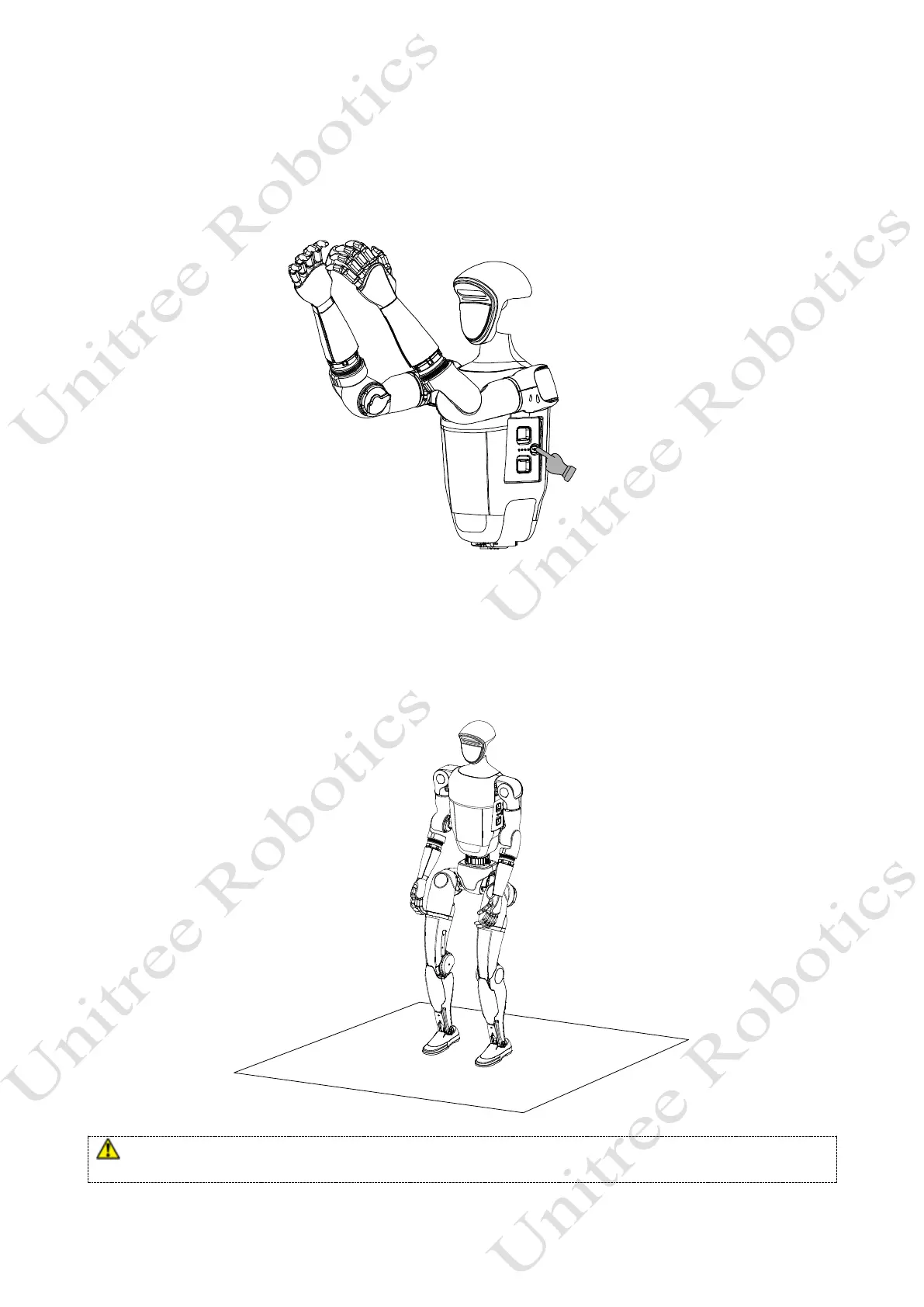
3) Start up
After completing the pre-startup check and preparation of the robot, power it on by following these
steps:Short-press the power button of the battery once, and then press and hold the power button for more than
2 seconds to power on the battery.
4) Successfully boot
After short pressing and long pressing the power button to turn on the machine, wait for about 1 minute
until G1 enters the zero torque state. Press L1+A to enter the damping state. At this point, hold the G1 shoulder
and press the L1+UP button to help G1 enter the ready state, as shown in the following figure.After G1 is
straightened and standing, you can press R1+X or R2+X to enter the operation control state.
⚫ Emergency Stop: When G1 appears in an unexpected state, press L1+A, G1 will enter damping mode and
will slowly fall to the ground.



 To Next Page