Apollo Solo Manual Working With Apollo Solo 44
Avid Pro Tools
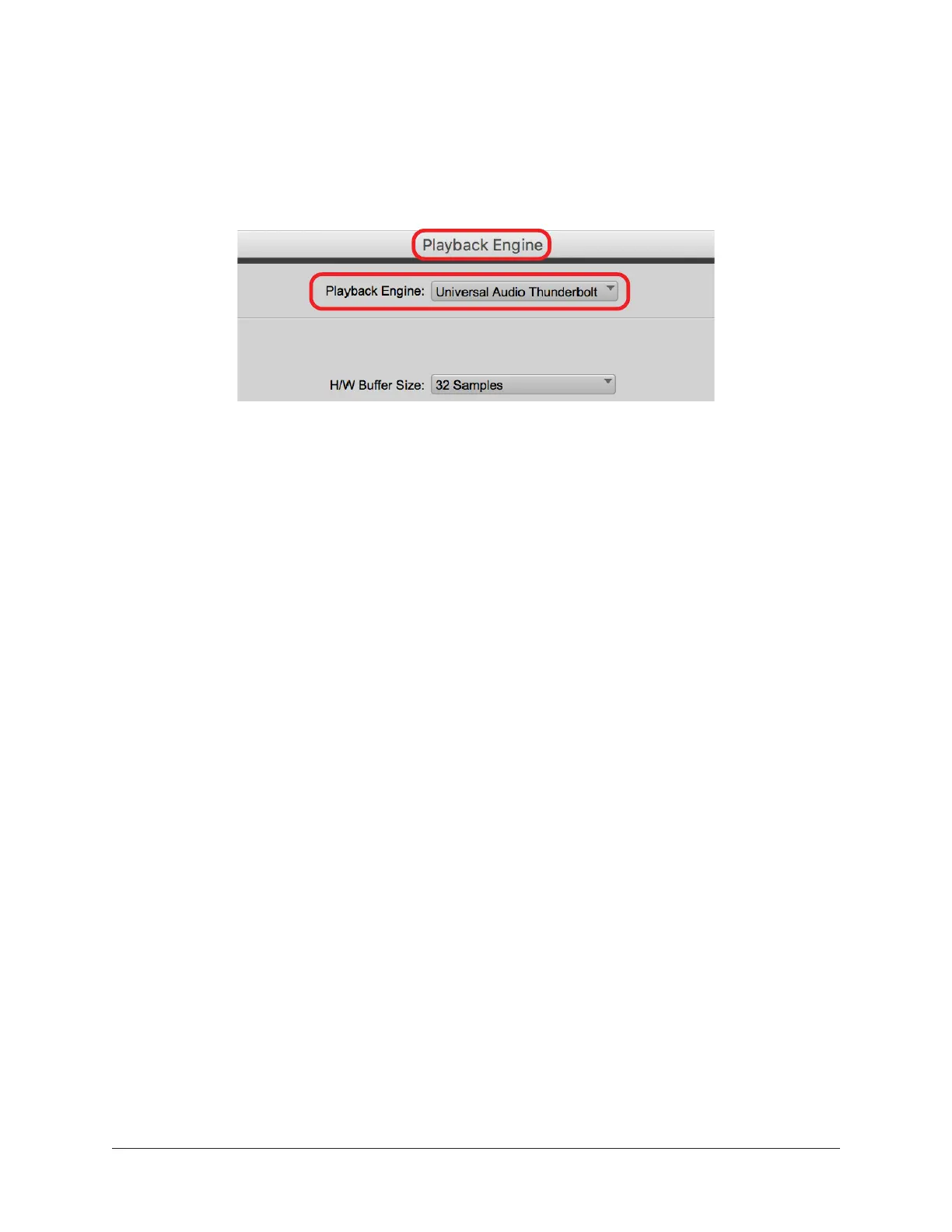
1. Open the Setup > Playback Engine window.
2. Select Universal Audio Thunderbolt from the Playback Engine drop menu.
3. Click OK. Pro Tools is now set to use Apollo Solo I/O.
Apollo Solo selected as the Playback Engine in Pro Tools
Universal Audio LUNA Recording System
When LUNA is launched, Apollo is detected and configured automatically.















 To Next Page