Apollo Solo Manual Working With Apollo Solo 59
Setting System Sound I/O (Mac)
To use Apollo Solo I/O for system sound:
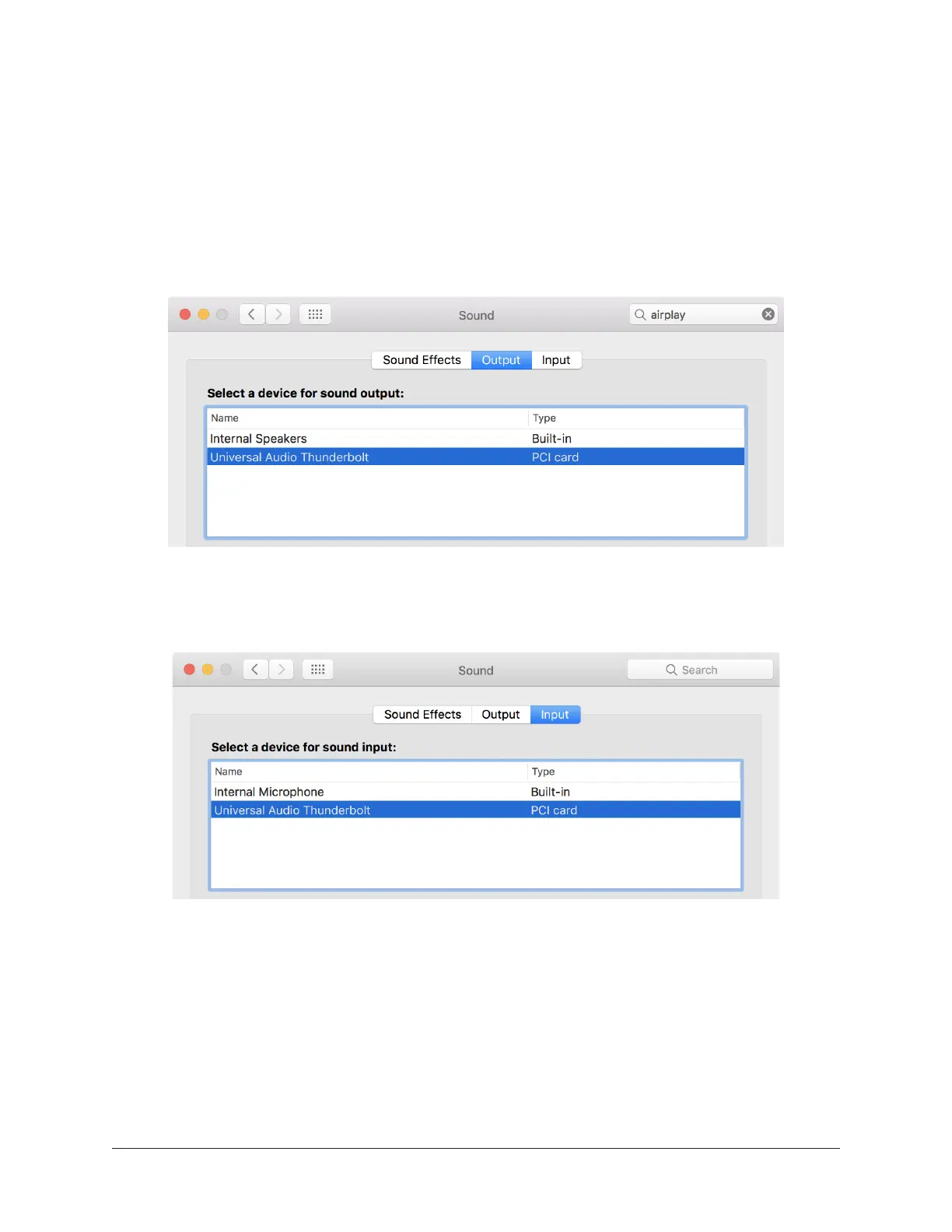
1. Open macOS System Preferences > Sounds.
2. In the Output panel, select Universal Audio Thunderbolt.
3. In the Input panel, select Universal Audio Thunderbolt.
Apollo Solo selected for system sound output in macOS System Preferences
Apollo Solo selected for system sound input in macOS System Preferences















 To Next Page