Apollo Solo Manual Using UAD Plug-Ins 92
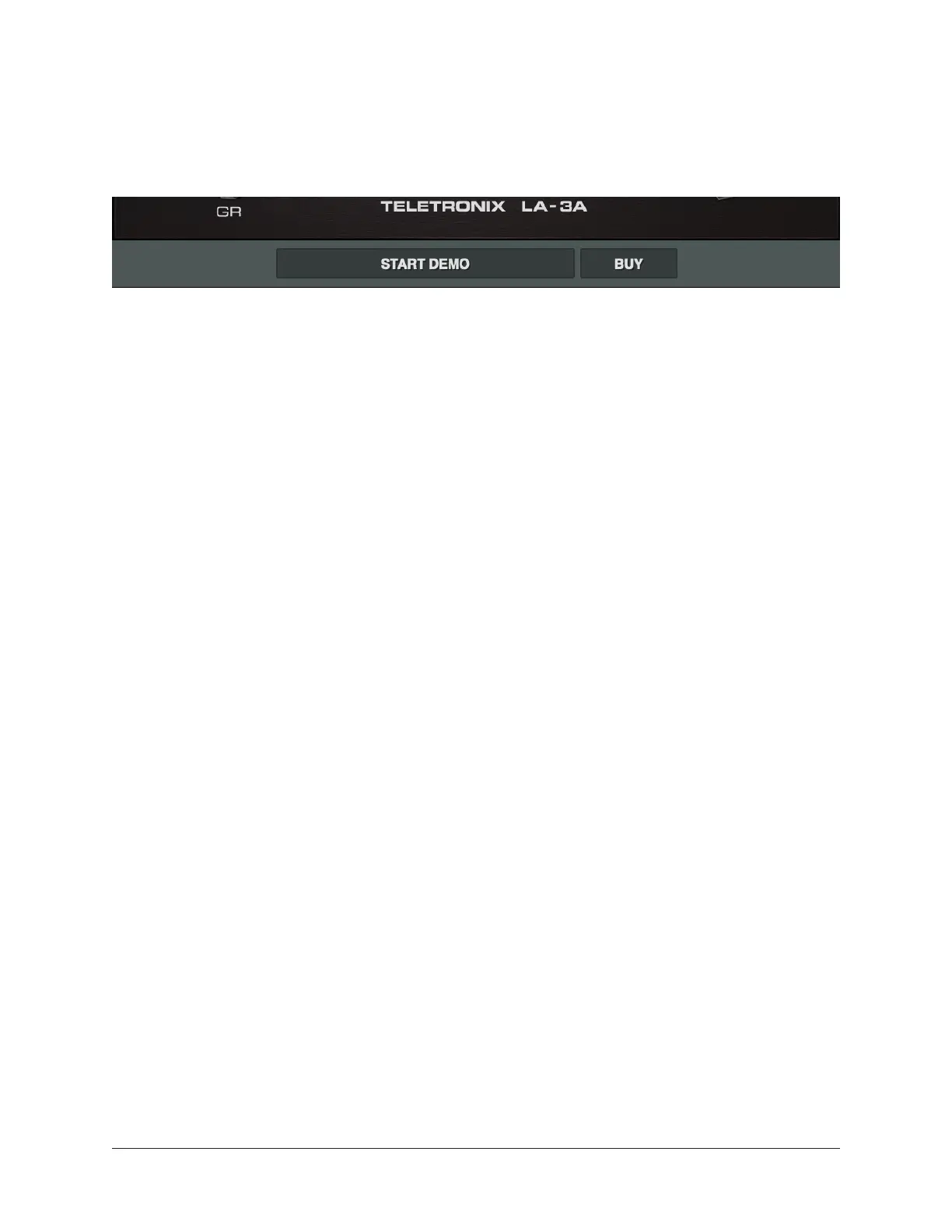
Status Bar
The area below the main plug-in window displays information about the current state of
the plug-in. Each state is described below.
Start Demo
When START DEMO is displayed, the 14-day trial period for the particular plug-in has
not been activated. Clicking this button will start the demonstration period (you can also
start the demo in the UAD Control Panel’s Status Column.
Important: The 14-day demo period can only be activated once, and cannot be
stopped or restarted during this period. Don’t activate demo mode unless you have
adequate time to thoroughly evaluate its sound and functionality.
Demo Active
After starting the demo, and when the plug-in is still within the active 14-day trial
period, the number of days remaining in demo mode is displayed here.
Disabled
When DISABLED is displayed in red, the plug-in will not process audio. This can occur
in two situations: Either the demo period has expired (click the cart button!), or there are
not enough UAD resources to run the plug-in.
Buy
When the plug-in is not licensed, the BUY button is displayed. If the computer is
connected to the internet, clicking Buy links to the UA online store so you can purchase
the plug-in.
Blank
When no text is displayed in the Status area, the plug-in is licensed and operating
normally. In this state, the cart button is not displayed.















 To Next Page