Apollo Solo Manual Using UAD Plug-Ins 89
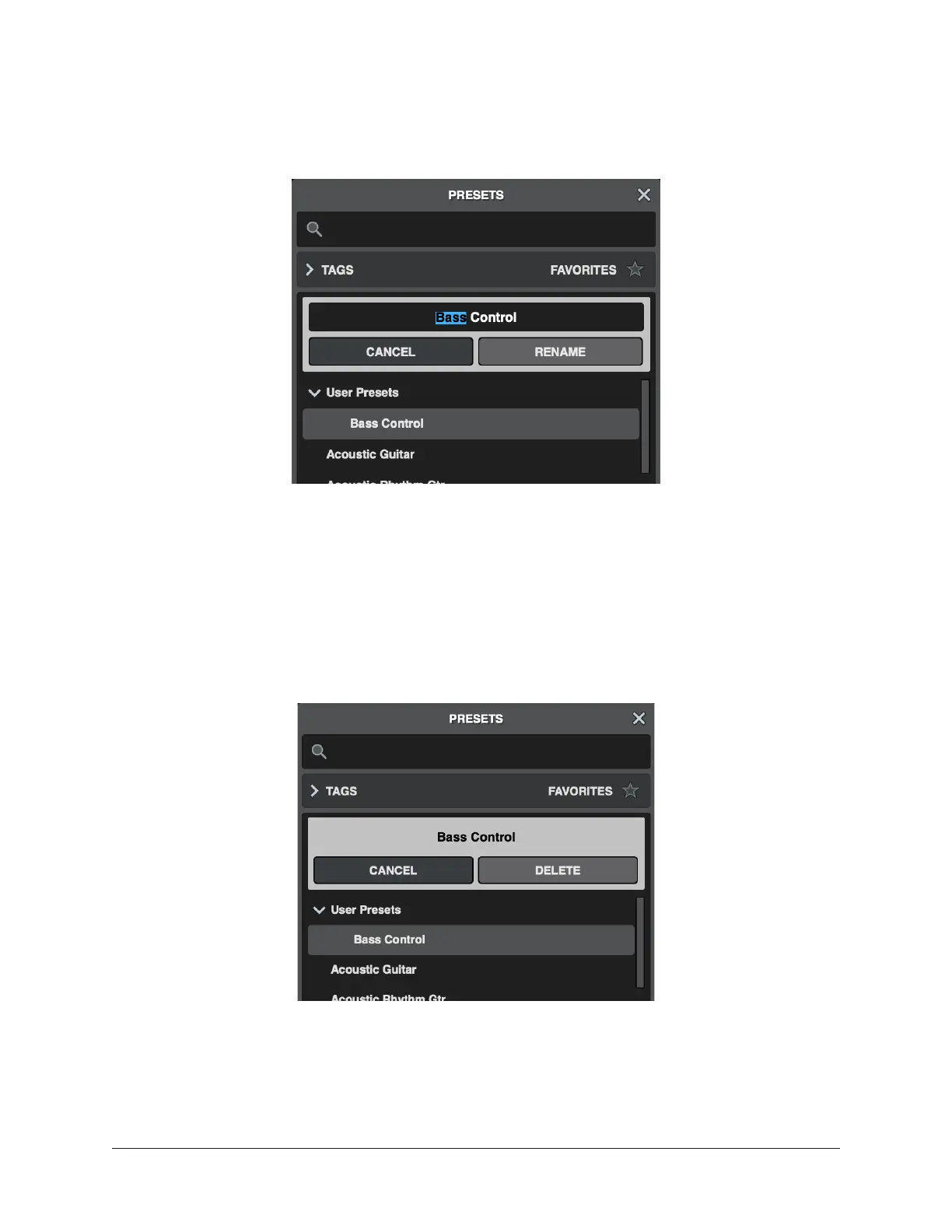
To rename a preset:
1. Select a preset from the User Presets list, and click Rename, or right-click on the
user preset and choose Rename. The rename dialog opens.
2. Type a new name for the preset and click Rename.
The preset is renamed. Factory presets cannot be renamed.
To delete a preset:
1. Select a preset from the User Presets list, and click Delete, or right-click on the
user preset and choose Delete.
2. The Delete dialog appears. Click Delete again.
The preset is deleted from the User Presets list. Factory presets cannot be deleted.















 To Next Page