Page 20
49379902 Rev. G Radial 8 & 88 Operation Reference Manual
This Document Supports IM-UPS 5.0 and Higher
- Inserter: Select BHS if the machine is equipped with a board
handling system. This enables all board handling options in
IM-UPS. Select NONE if there is no board handling system.
Selecting NONE disables (gray out) all board handling system
options in IM-UPS. The insertion machine options do not
change.
- Transfer Device: IM-UPS can communicate with one or two
devices on each side of the insertion machine. For each
transfer device list box, select the device mounted on the
machine. If a device other than UIC elevators is mounted (for
example, destacker or conveyor) select OTHER. If a device is
not mounted in that position, select NONE.
• Verifier: If the ERV (Expanded Range Verifier) is mounted on the
machine, select the Verifier check box. If the ERV is not mounted,
clear this check box.
• Alternate Feeder: Radial 88 Machines Only
This functionality has moved to System Setup. See the System Setup
document for information.
• Feeder Priming: Radial 88 Machines Only
This functionality has moved to System Setup. See the System Setup
document for information.
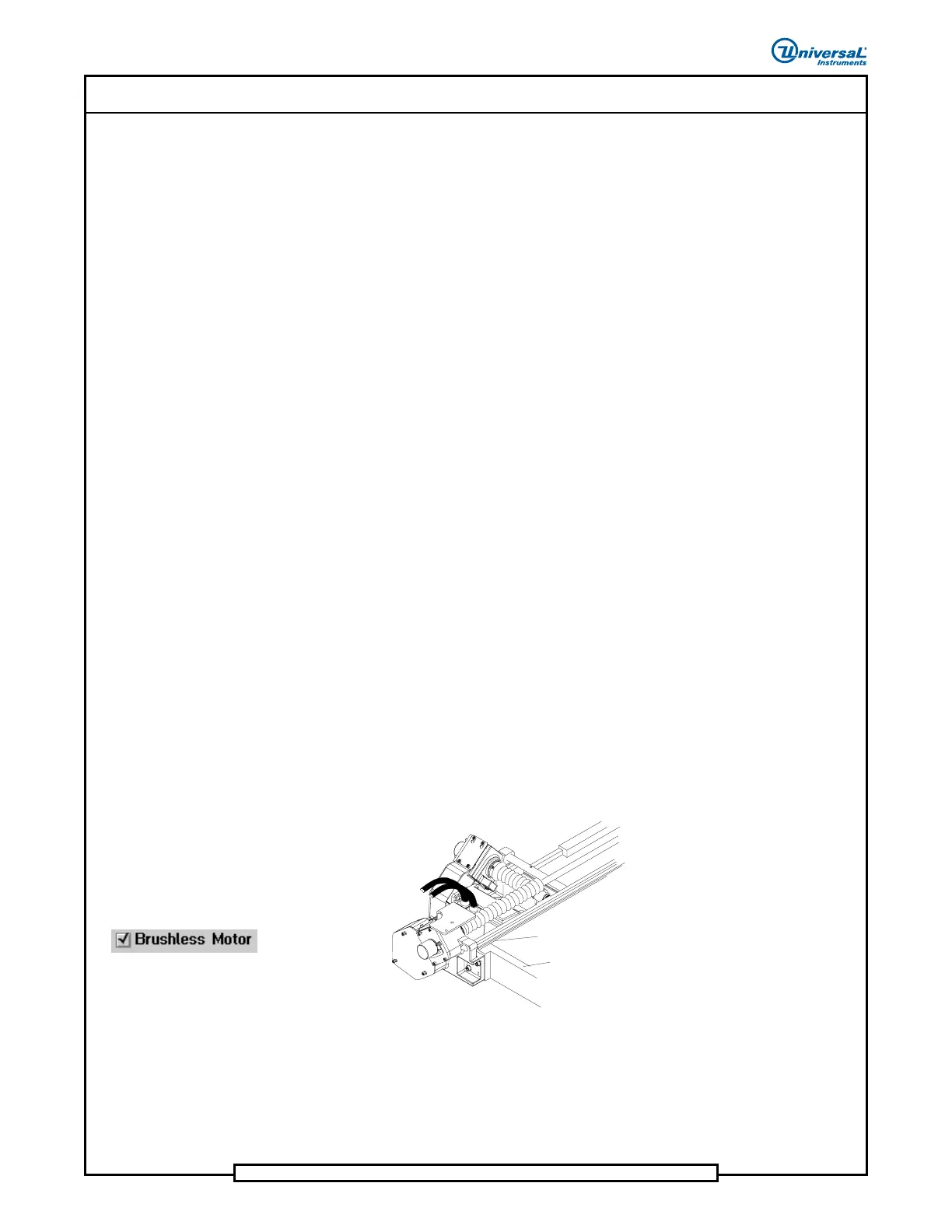
• Brushless Motor: If available, a check mark visible in this check
box indicates the machine has brushless positioning system motors.
- On a machine, the status of this check box cannot be changed.
- If creating a template, select this check box (checkmark
visible) if the machine for which products are being created
has brushless positioning system motors. Refer to the
illustrations if unsure of the positioning system motor type on
the machine.


 To Next Page