Chapter 4: Operating Instructions
4-10 UT100 Handheld Pulse Oximeter Operation Manual
There are three Measuring Modes: Spot-Check, Continuous Monitor,
Record. Their differences are compared in to below table:
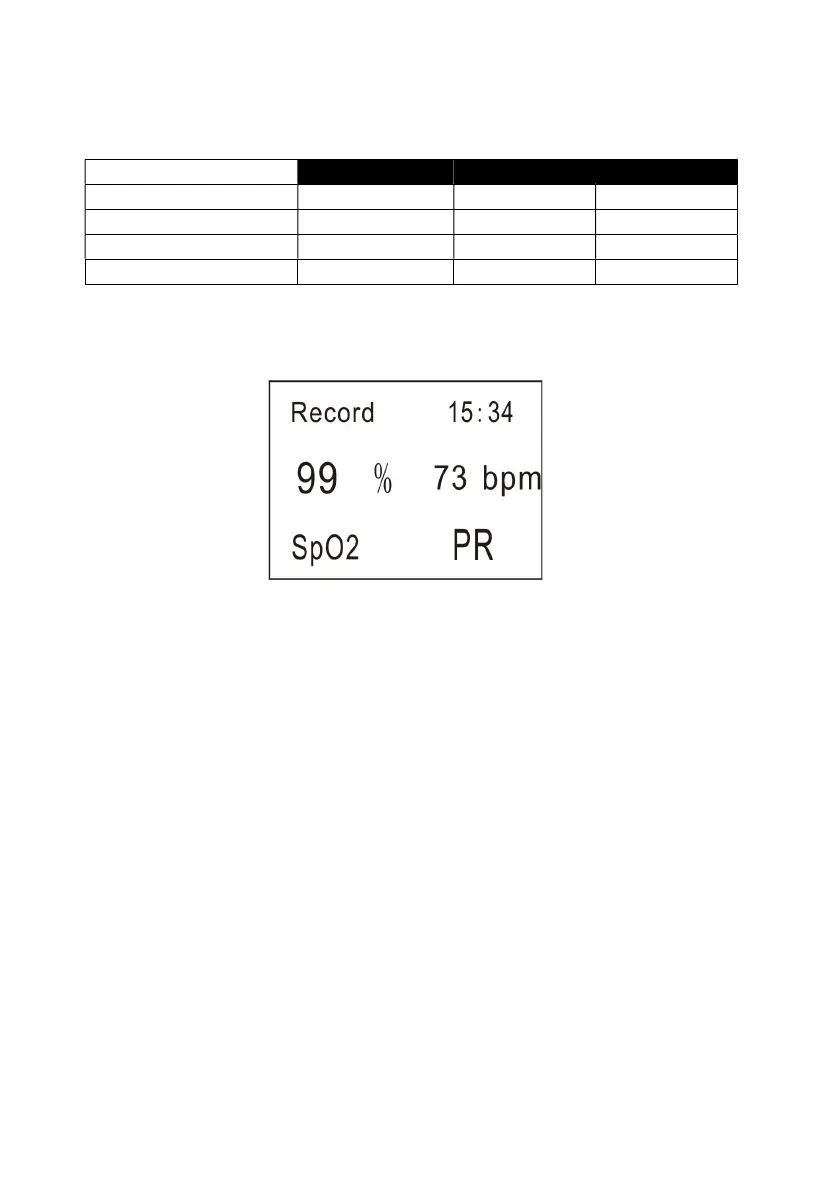
In the Record measuring mode, if you don’t press any key for 3 minutes, the
monitor will display the following interface in order to save energy:
Figure 4.8 Interface of Record Measuring Mode
4.7 Turning Off the Monitor
After monitoring is complete, remove the sensor from the patient and store or
dispose of the sensor according to governing rules.
T
ur
n
off the monitor when you are not monitoring a
pa
tien
t.
To
turn off the
monit
or
,
press and held the On/Off
key
for about five seconds.


 To Next Page