Chapter 5: Changing the Monitor’s Settings
UT100 Handheld Pulse Oximeter Operation Manual 5-5
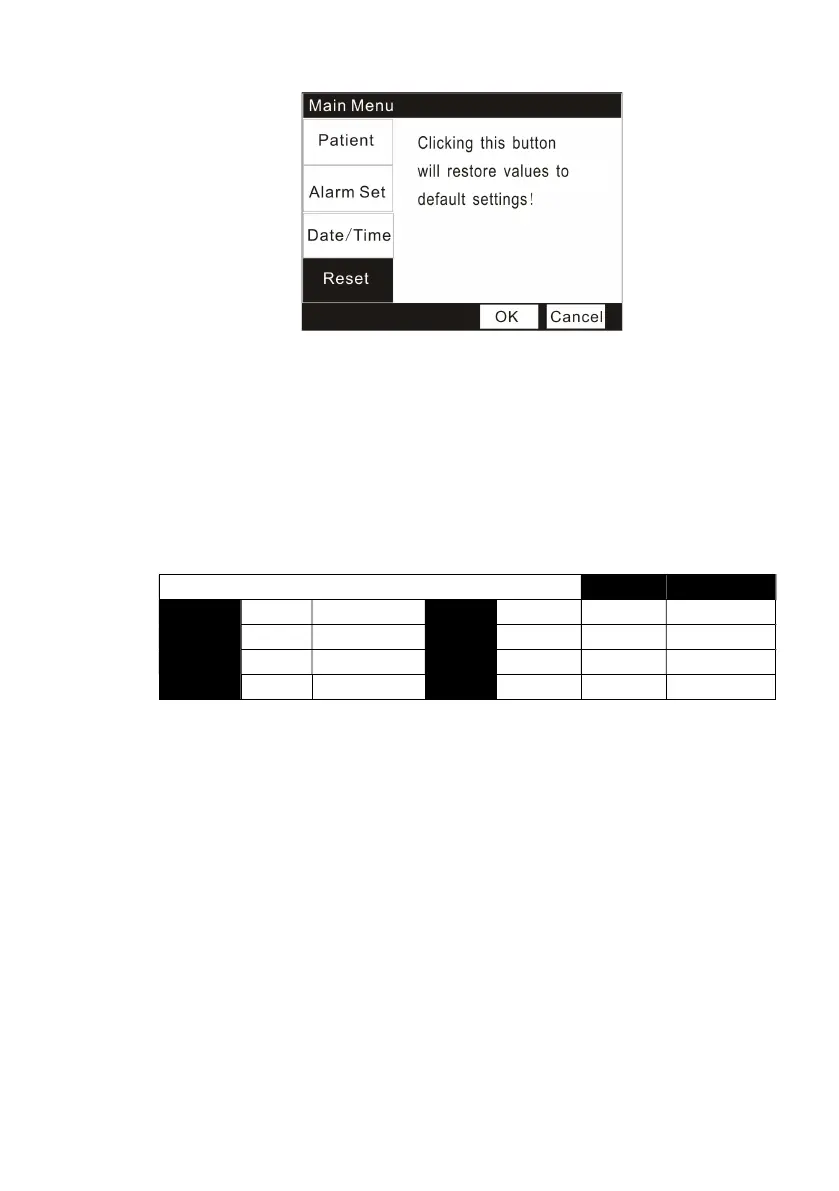
Figure 5.5 Restoring default settings
1. Press the Menu key to enter into the Main Menu interface.
2. Press the Down key for four times and the Menu key to select the
“
Reset
”
option.
NOTE! If you choose to reset your settings, all settings will be restored to
the Factory Default Settings except the Date and Time.
Factory Default Settings:
2
Patient
Alarm


 To Next Page