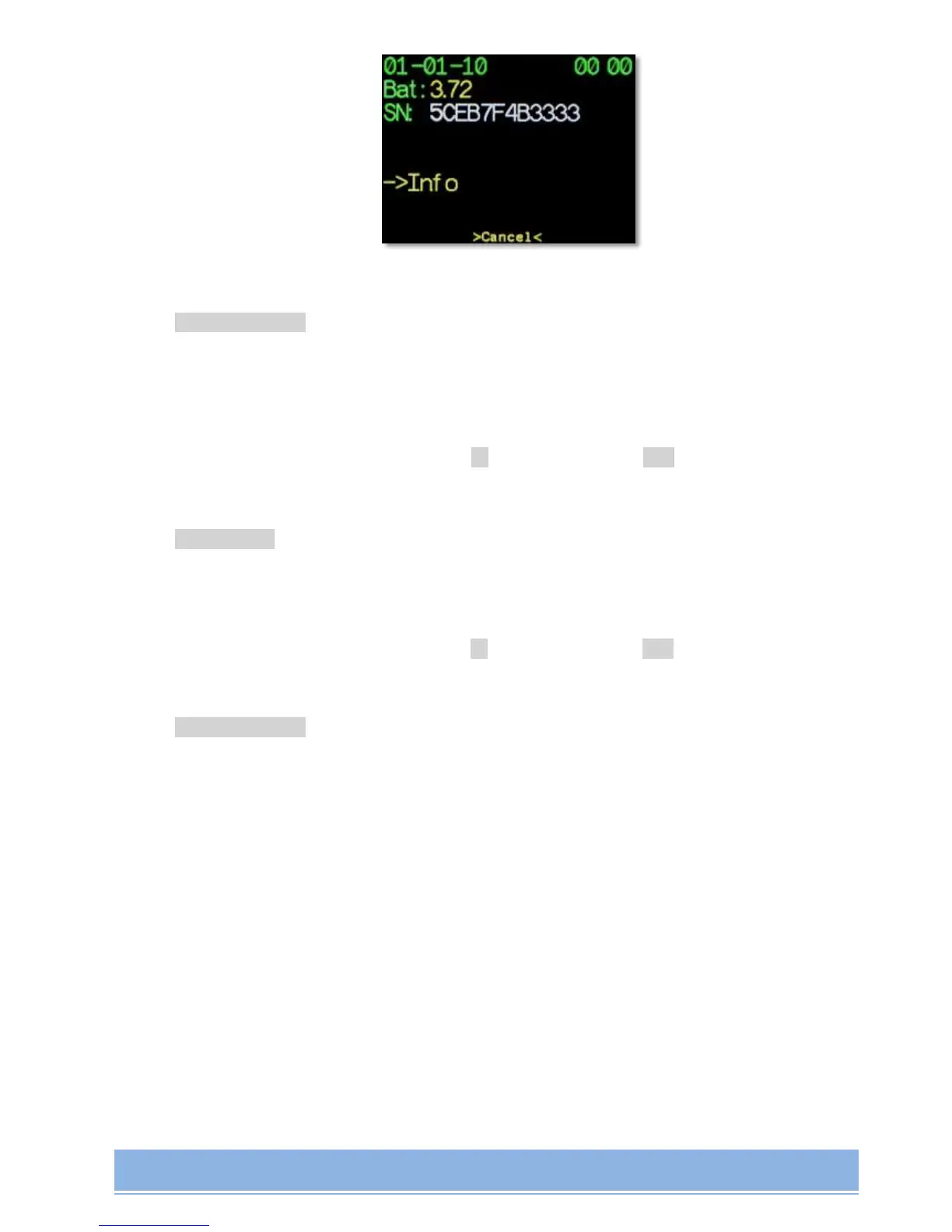
->Display mode
(only in Surface mode)
Switching betweem Metric and Imperial units of depth and temperature measurement
(meters and Celcius degrees or feet and Farenheit degrees). Переключение между
метрическими и имперскими единицами измерения глубины и температуры.
Switching between fields is done with button, saving with OK.
->Language
(only in Surface mode) Choosing the language.
Russian and English languages are available for choice.
Switching between fields is done with button, saving with OK.
->Button Sensit
(only in Dive mode) Buttons’ sensitivity adjustment.
This setting helps to REDUCE buttons 'sensitivity in a DIVE mode. It can be
required in case when occasional buttons' pressings with alien objects are
possible underwater: dry glove ring, other gauge, torch, etc.
This setting doesn't affect buttons' sensitivity in a SURFACE mode.
Possible settings' options are in a range 00.... -14. 00 is a MAXIMUM sensitivity,
-14 is a MINIMUM sensitivity.
As a rule, maximum sensitivity (equal to 00) doesn't cause any trouble. Though
if you wish to reduce sensitivity underwater - do it gradually, every time verifying
if this setting is convenient for you.
Do not put sensitivity too low. It can cause cause impossibility to press buttons
underwater.


 To Next Page