Compa II series Loading media
07.15 Operating manual 35
5.2 Removing wound roll
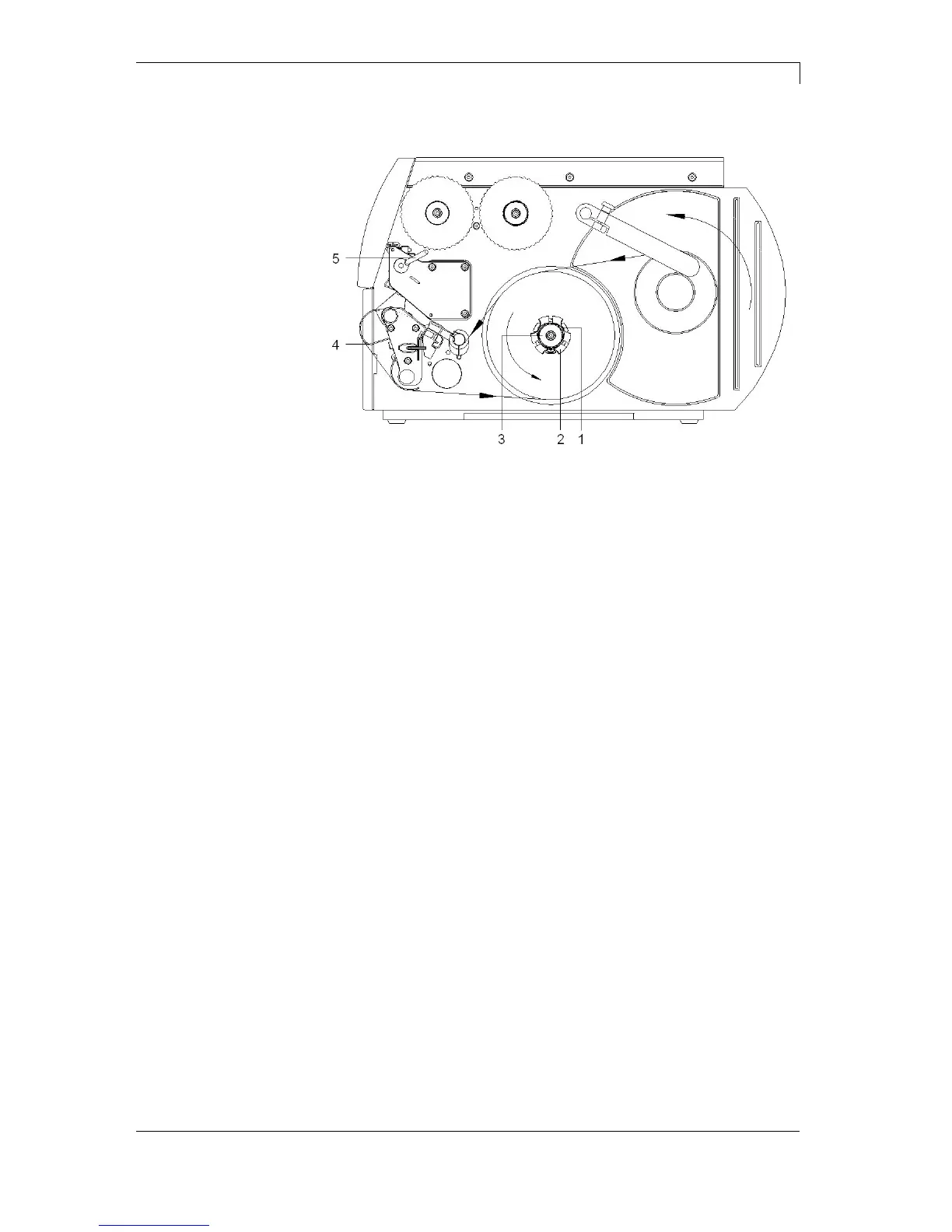
Figure 15
1. Turn lever (5) anticlockwise to lift up printhead.
2. Cut label strip and wind it fully around the rewinder (2).
3. Hold rewinder (2) firmly and turn knob (3) clockwise.
The rewinder spindle relaxes and the wound roll is released.
4. Remove wound roll from rewinder (2).



 To Next Page